UV crate Unwrapping

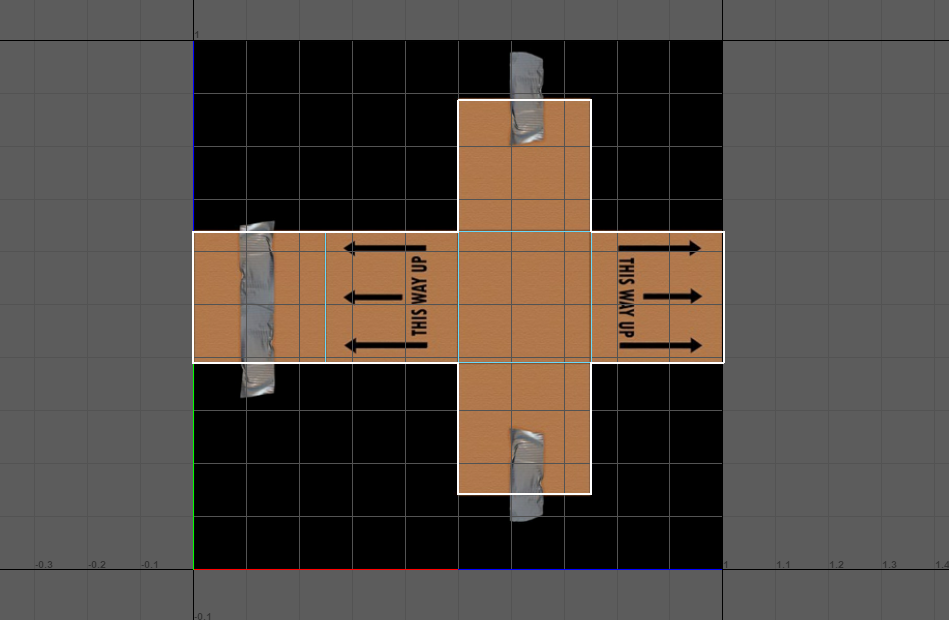
so to start i did the UV simple box exercise before moving on to the unwrapping of the crate. i watched the tutorial to make sure i understood, but i had done this before so i had a decent idea about what i needed to do.
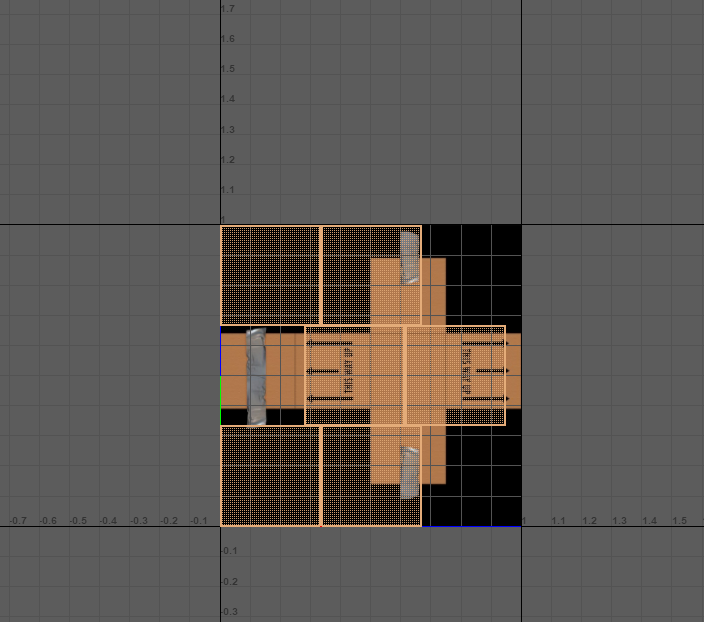
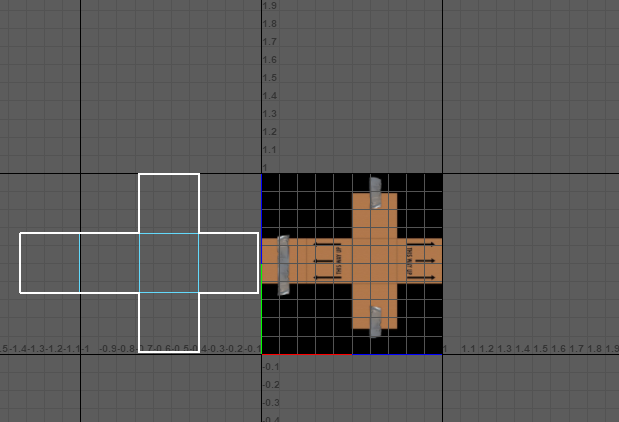
once i was in the UV editor i looked at the shape and stitched the UV shell together accordingly.
Once that was done i aligned it up with the box and rescaled it to fit.
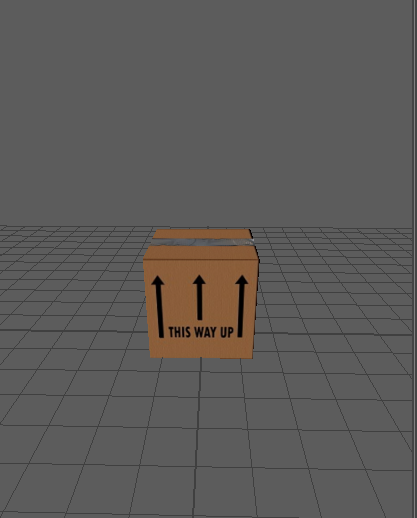
Once that was done i checked on the model to make there was not any gaps etc where it wasn’t properly aligned.
here is the final image. Once i was done with that i then moved onto the crate unwrapping task.
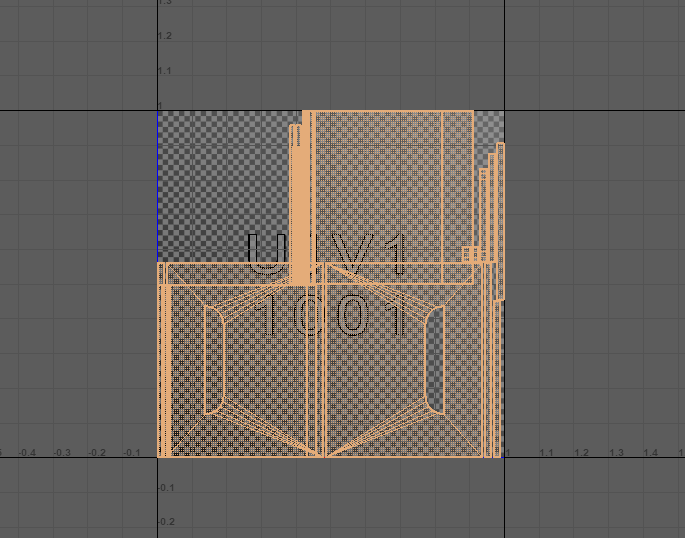
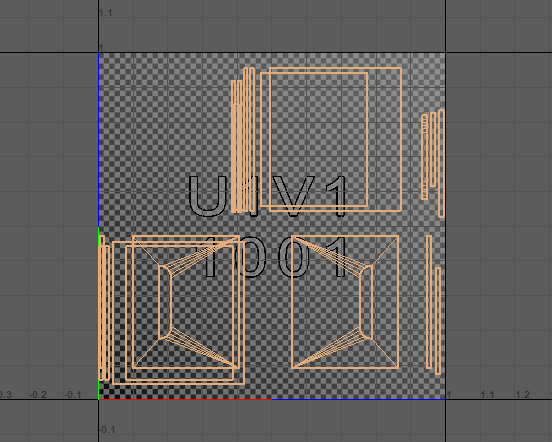
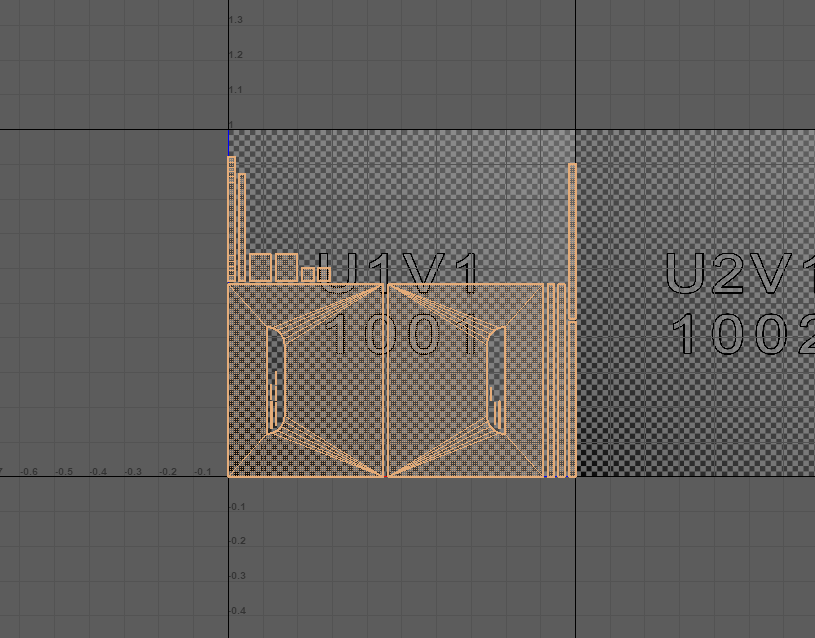
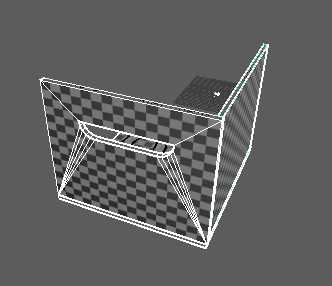
to start i selected the crate in Maya and then chose automatic. After this i selected a couple of edges on the handles and stitched them together as suggested to do on the video.
After that i then changed the pixel density.
finally i selected the pieces and chose layout so it was organised and changed the pixel padding to 10.