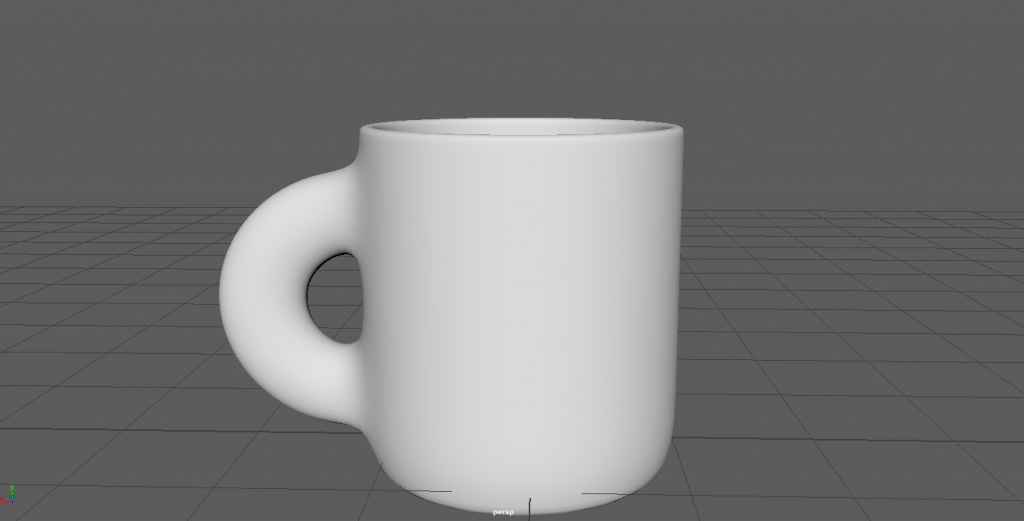
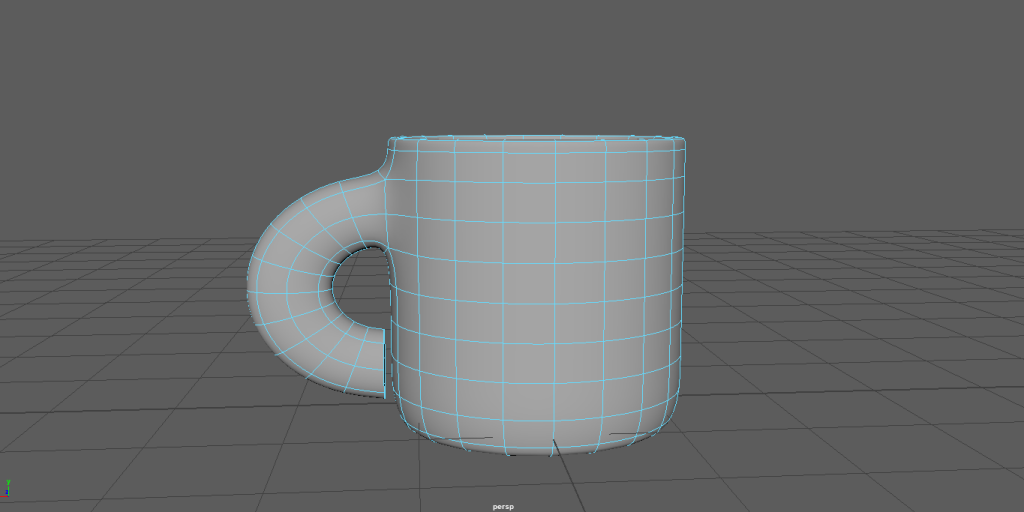
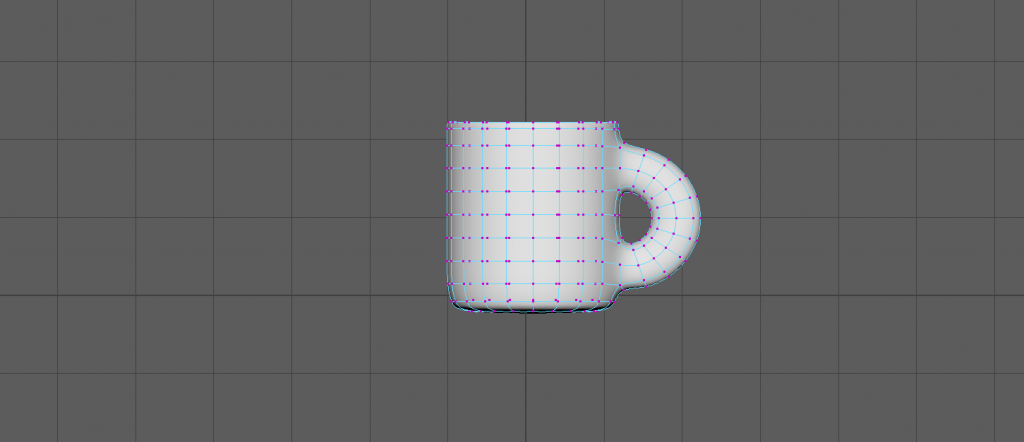
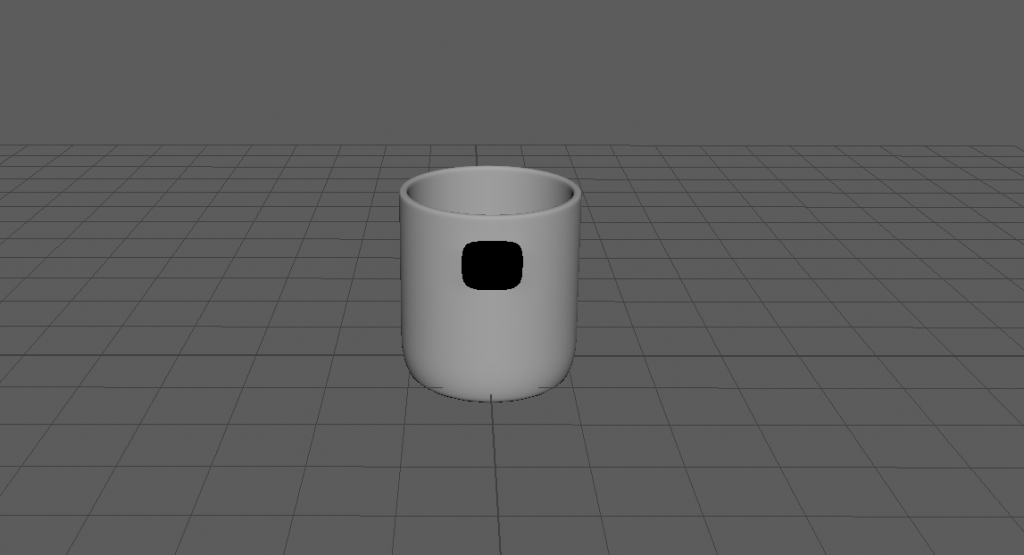
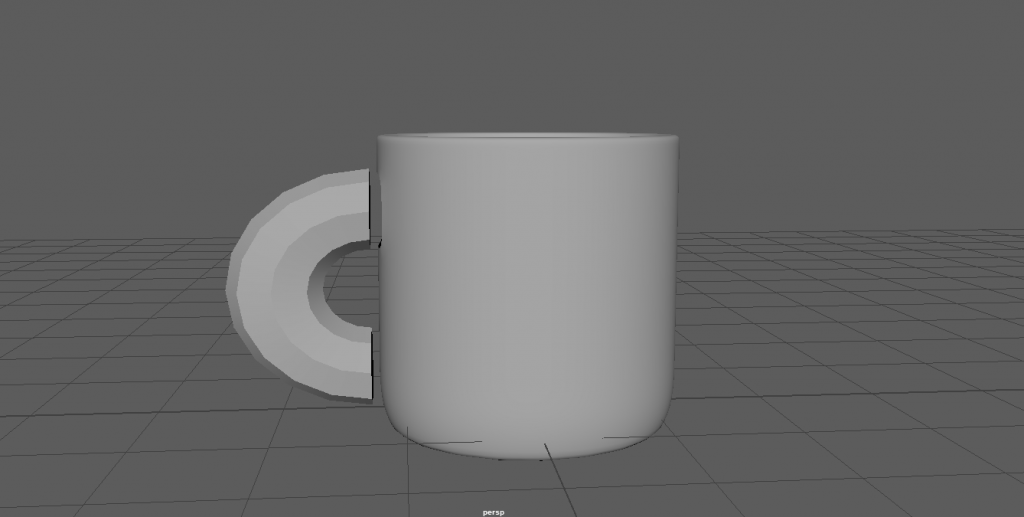
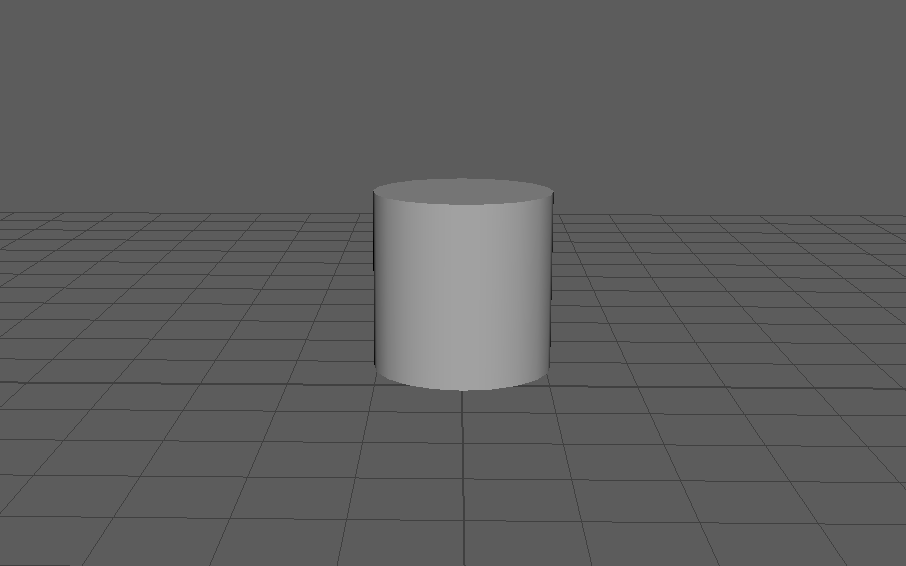
(finished mug design!) once i had finished connecting the vertex i then changed the colour of the mug and handle to make it look a little more realistic. i then started to connect the vertex from the mug and the handle, making sure i got the correct ones connected to keep it smooth and as realistic as i could. i reshaped the handle slightly just before. i then combined both the handle and the mug once it was done.
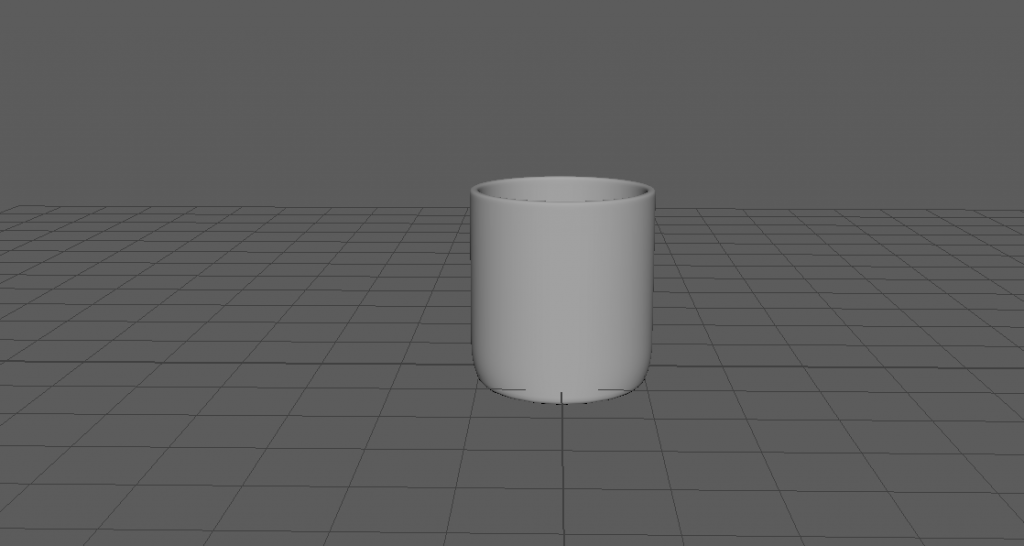
once i was happy with the shape of the mug i then cut a torus in half giving me a basic handle i then used the scale tool to create the shape of it that i wanted. once i was happy with it i then lined it up with the side of the mug, and then deleted the faces that lined up. i did this at the bottom of the mug too.i switched to the side view then switched to the vertex option, i then selected all of the vertex apart from the 2 bottom rows. i then shaped the cup to how i wanted it. (didn’t have a screen shot of it without the handle). to get the shape of the mug that i wanted i reduced the amount of subdivisions so i could remove the top of the cylinder at once, i then made the mesh smooth to remove the sharp edge. i made sure to extrude the cylinder too so it wasn’t too thin.
since i decided to do a very simple mug design i decided not to use a image plane for this model.