Level Design Portfolio
Story/plot: You (the player) have been kidnapped by a serial killer and taken to his hideout at a abandoned facility, here he has created a fake forest to trick the people hes taken making them think they can escape easily. Upon realising they cant they start to panic trying to find anything that will help them, and thats… when he starts the hunt. collecting all the evidence and find the codes or you will end up with the same fate.
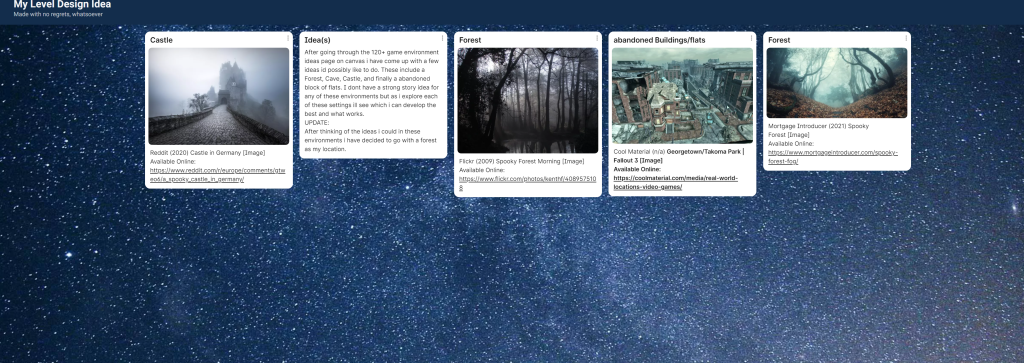
The screenshot above shows the initial plans I made on Padlet, these were just a few ideas I was thinking about doing after I went through the 120+ idea list on canvas. I then narrowed it to a forest environment.
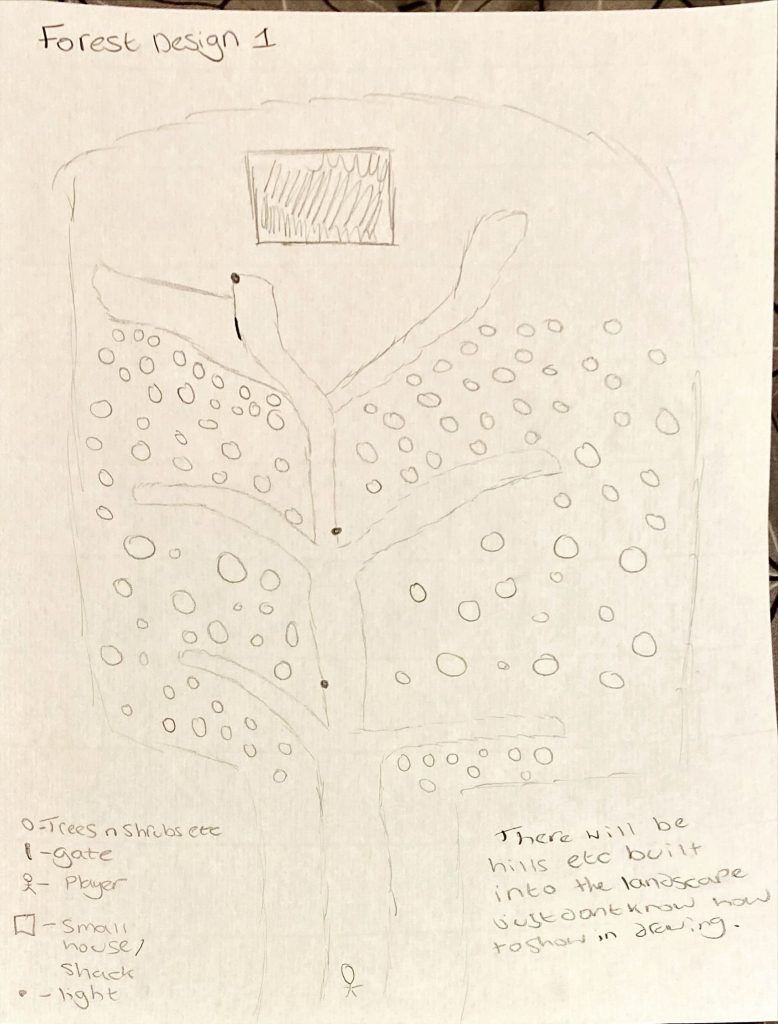
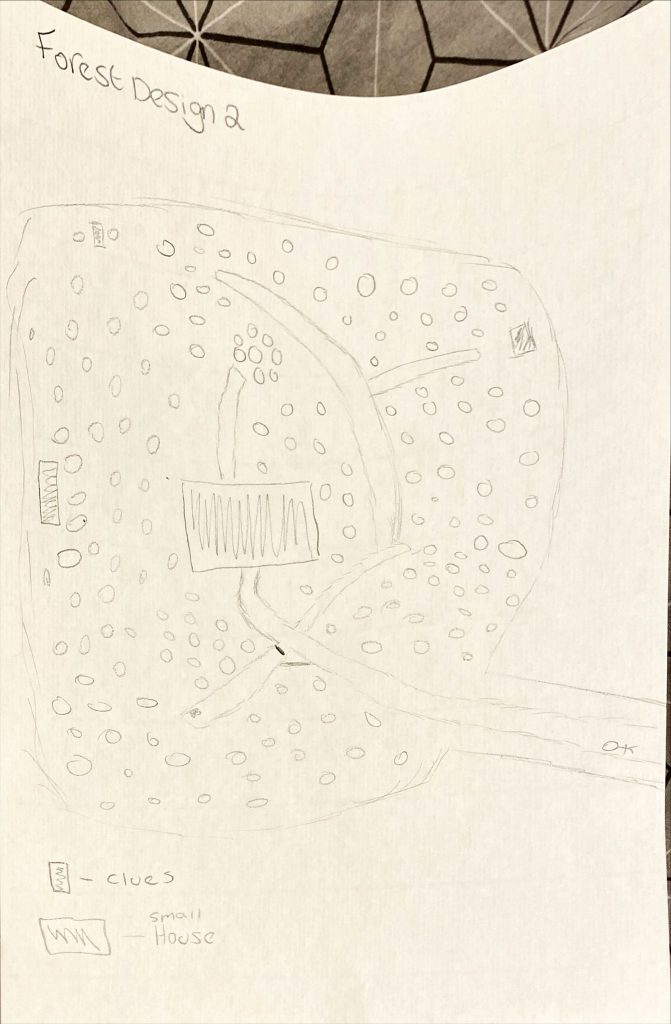
These are just a couple ideas I have for the layout of the level, I already have a base for the environment I just need to make changes to how it looks for example removing hills and adding in ones I need, adding in the block out of the environment and the building as well. The layout could always change as I add things in.
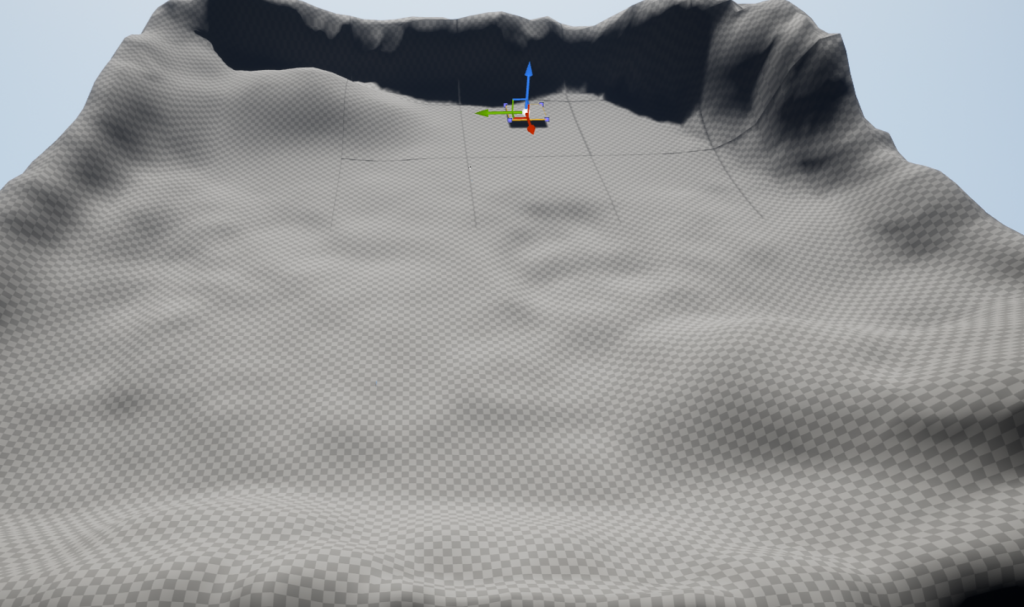
Here is my first landscape i made for the forest, i placed the main building (the house) where i roughly wanted it so i could see what space i had around it and where i could add what i needed.
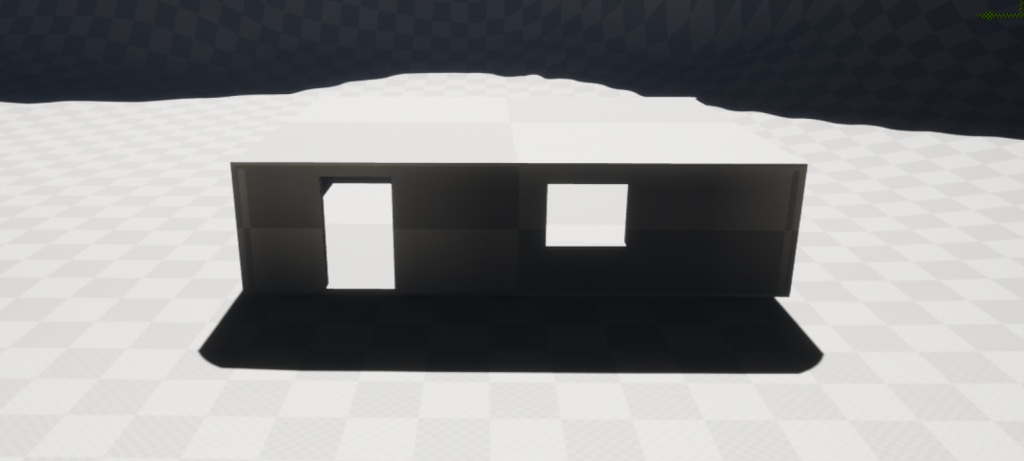
This is the basic blockout of the house, its one floor (similar to a cottage) it will have a different roof i just couldn’t make it in unreal.
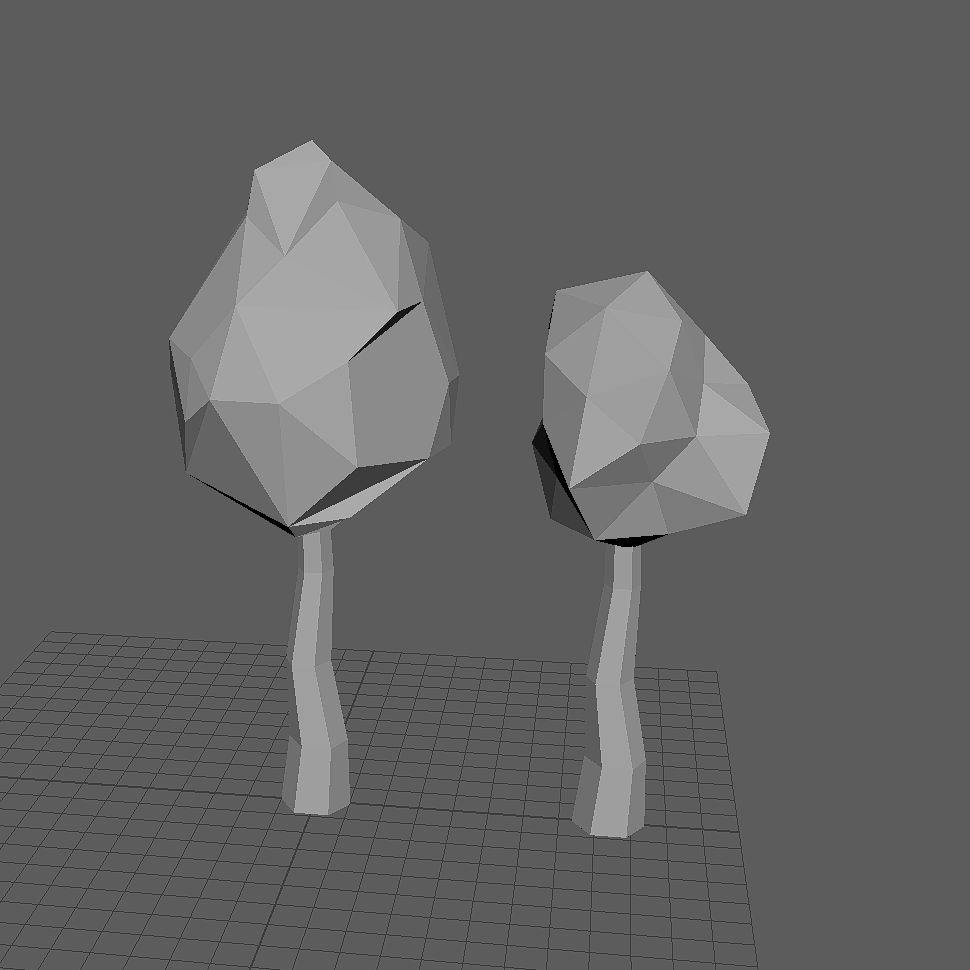
I then went into Maya and made 2 types of trees to use within my forest level, i love how simple they are and i think this style looks really good.
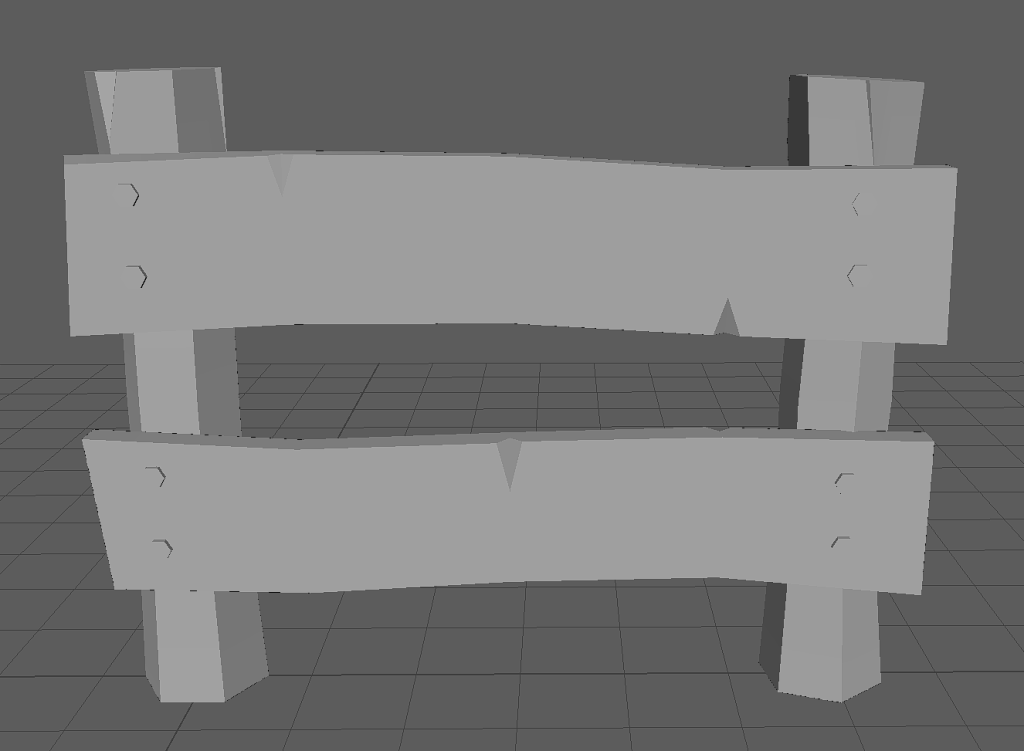
I also made a fence, again i love how this looks. After that i then continued to block out the level.
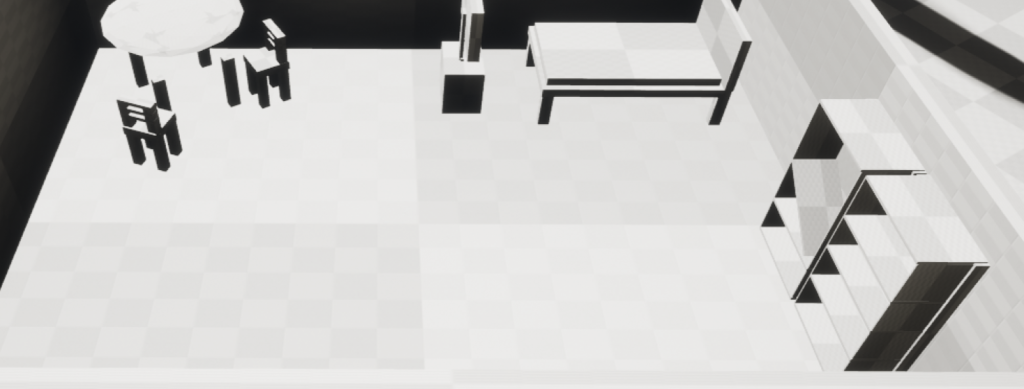
Using the default third person character i scaled each object to the right size needed. There is a couple more objects needed for the house which will be updated and shown on here when added in.
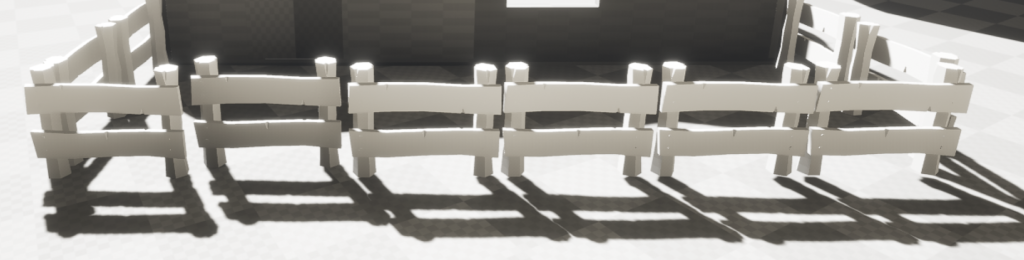
Following on from my last update i added in my fences for the little garden/plant area outside the cottage, the fence piece that is moved back slightly compared to the others is where the gate will go for players to open and close.
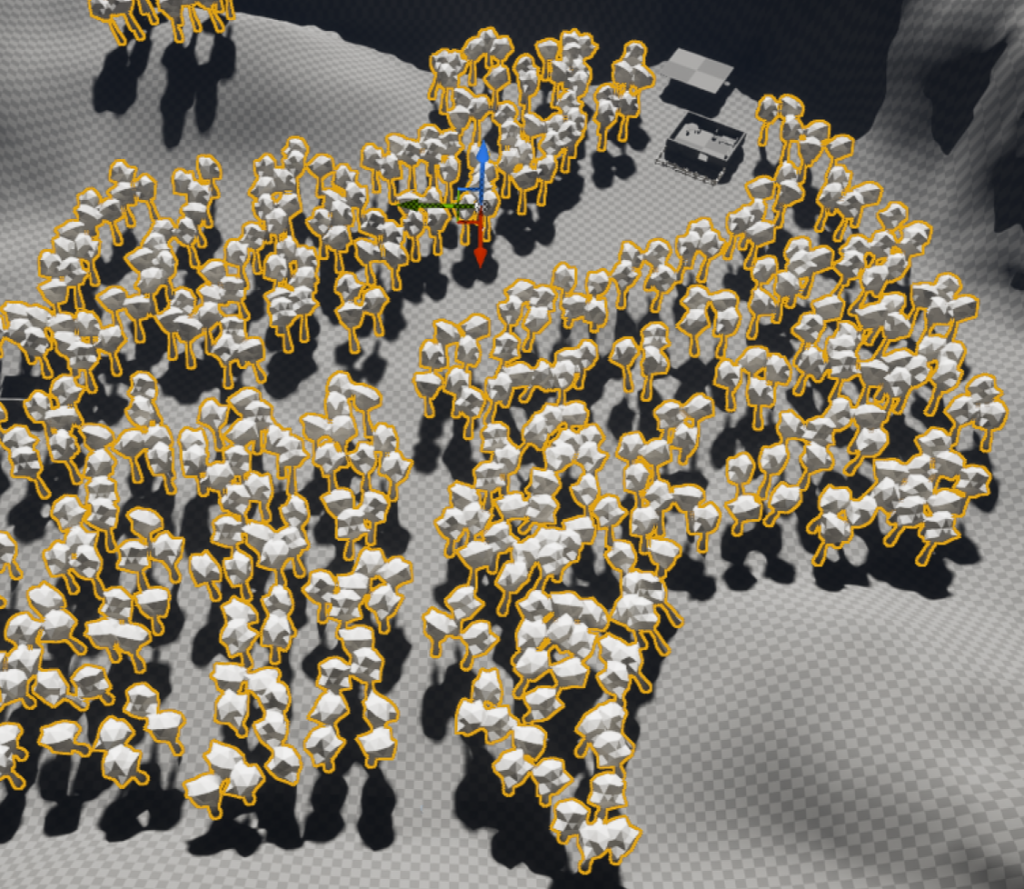
Using the foliage paint tool i added my tree model to the foliage and painted it into the area instead of individually placing them which was terrible as I have a uneven landscape so using the paint tool they positioned with the landscape perfectly. I then used the tree lines to show where the paths will go for the player to explore but they can freely move between the trees while searching for items needed. I also tried to make some of them closer together and some further apart which applies narrow-wide to the level.
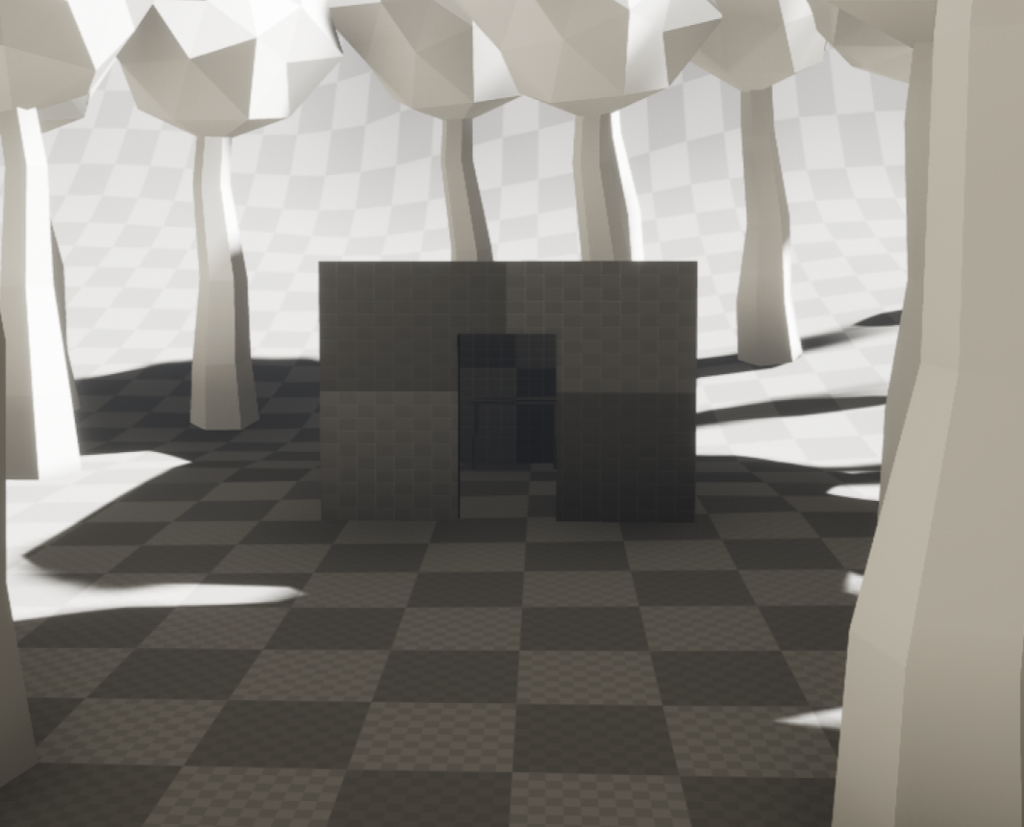
This little shack/shed will be one of the places the player will need to go to find a item.
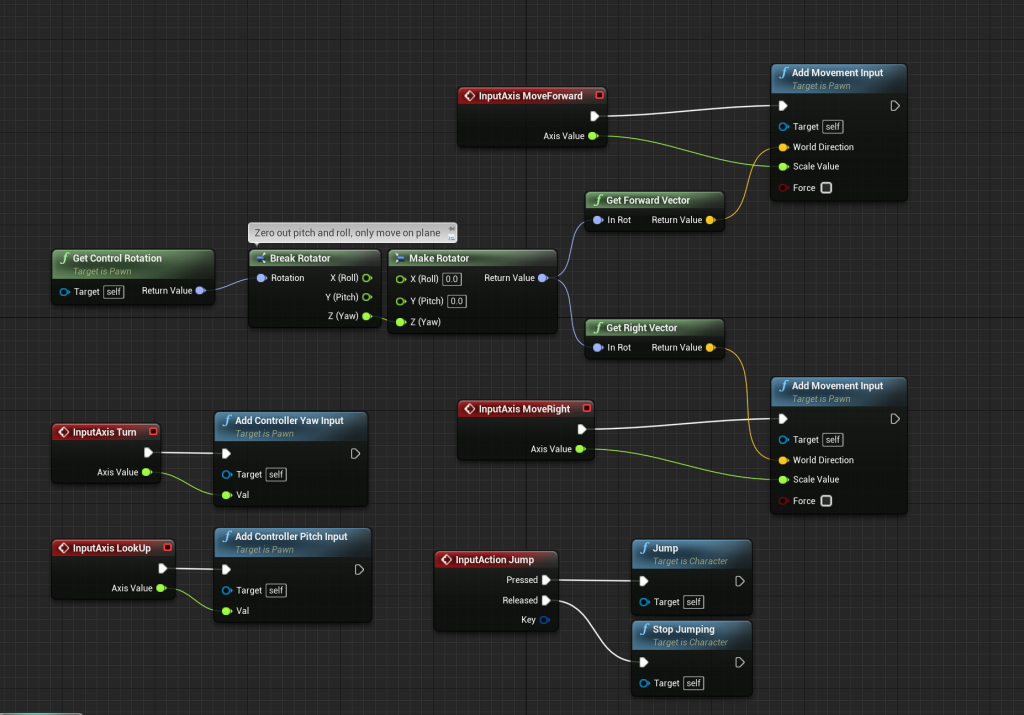
After getting a general layout I then moved on to getting the movement BP (used the third person one to help) then I added jumping and camera inputs too and below is a gif showing these off. I need to add in something so the player uses jump as of now it is not needed.
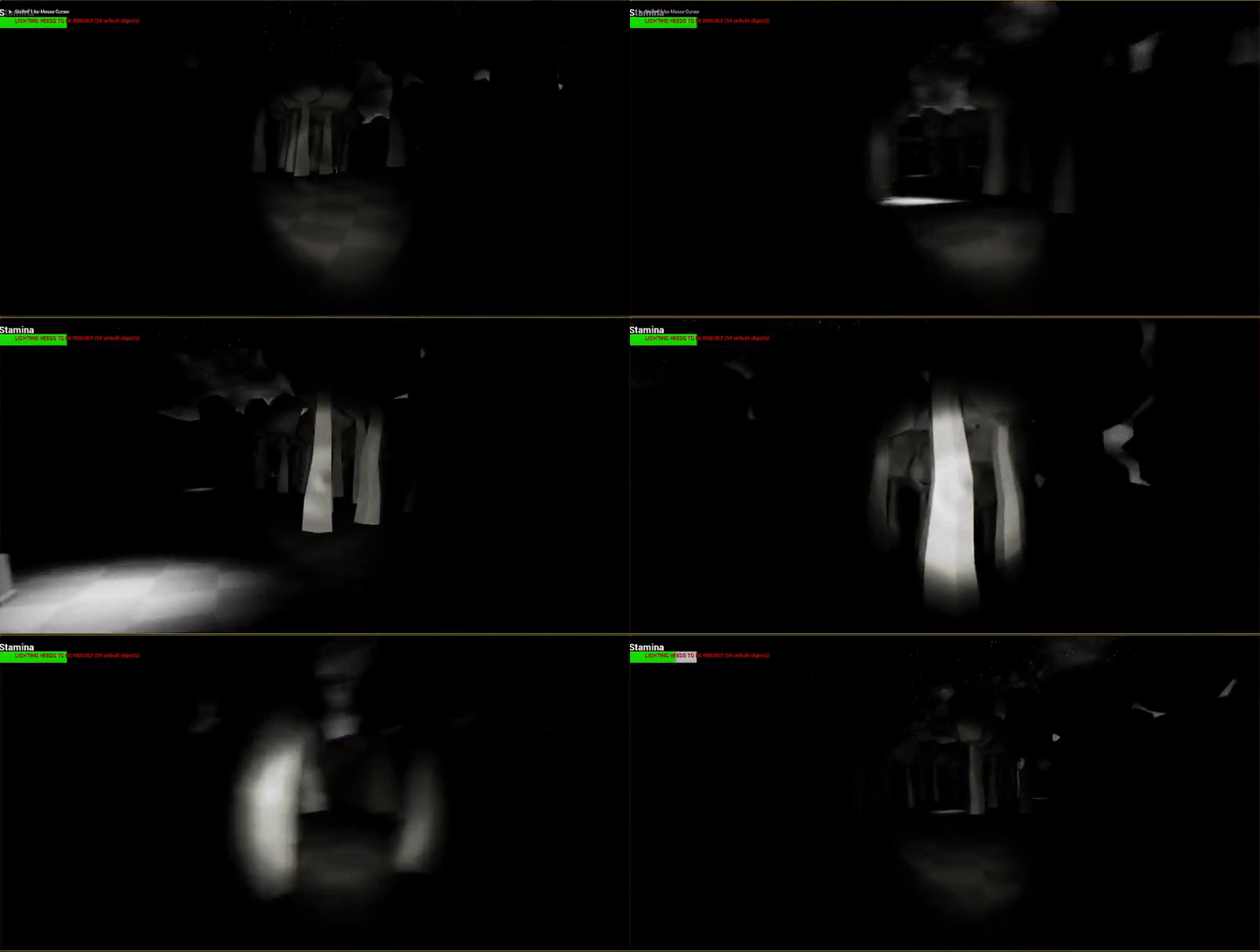
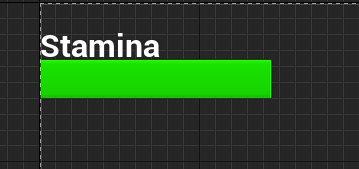
I then followed this up with creating a stamina bar and sprinting again doing research on sites and YouTube videos to find out how to do it. I added this so the player cant just run around the level without stopping which would allow them to find the collectables easier, than having to stop cause of low stamina and combining this with the sounds I want to add it will hopefully make the player on edge and they will forget where they have searched already.
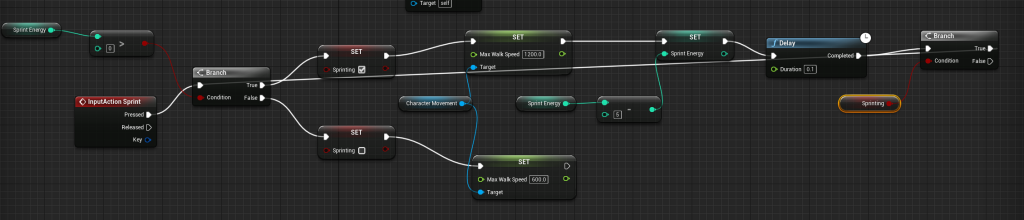
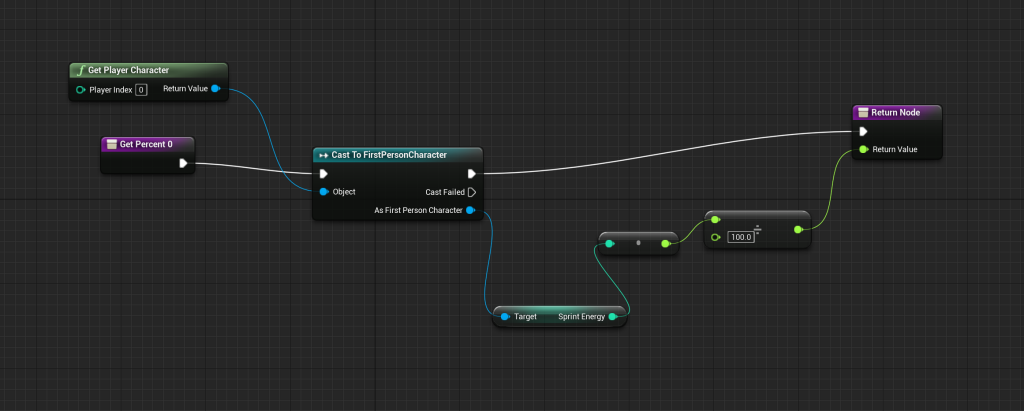
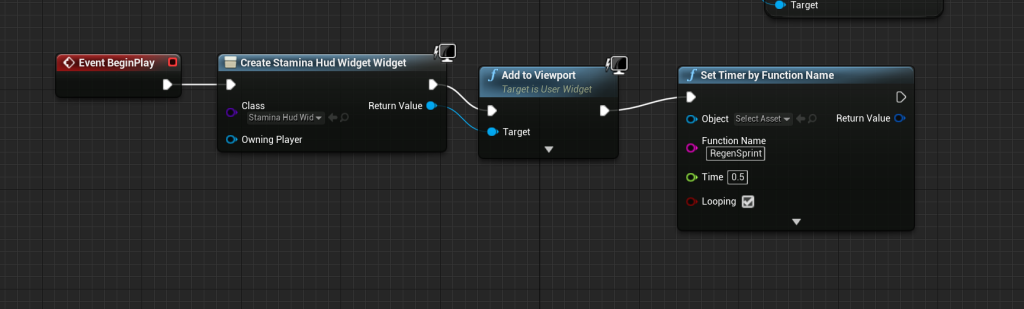
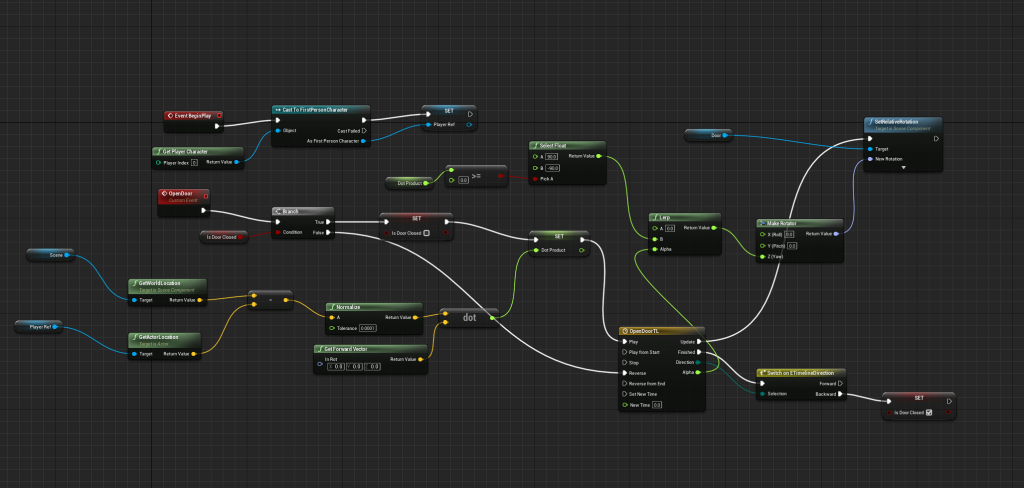
After making sure it all worked properly I then wanted to get some doors onto the buildings in my level, I just used the starter pack doors are block out ones. Then using what I could remember and some online research I made my doors open and close.
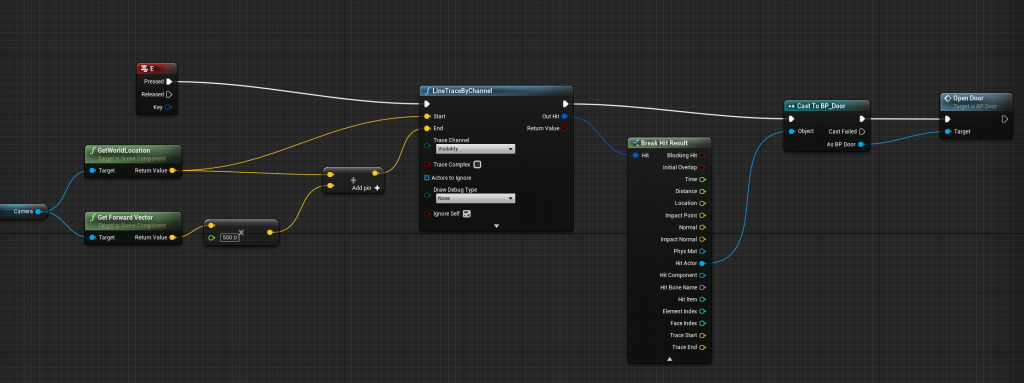
here are a few gifs showing off sprinting, stamina bar and the door opening.

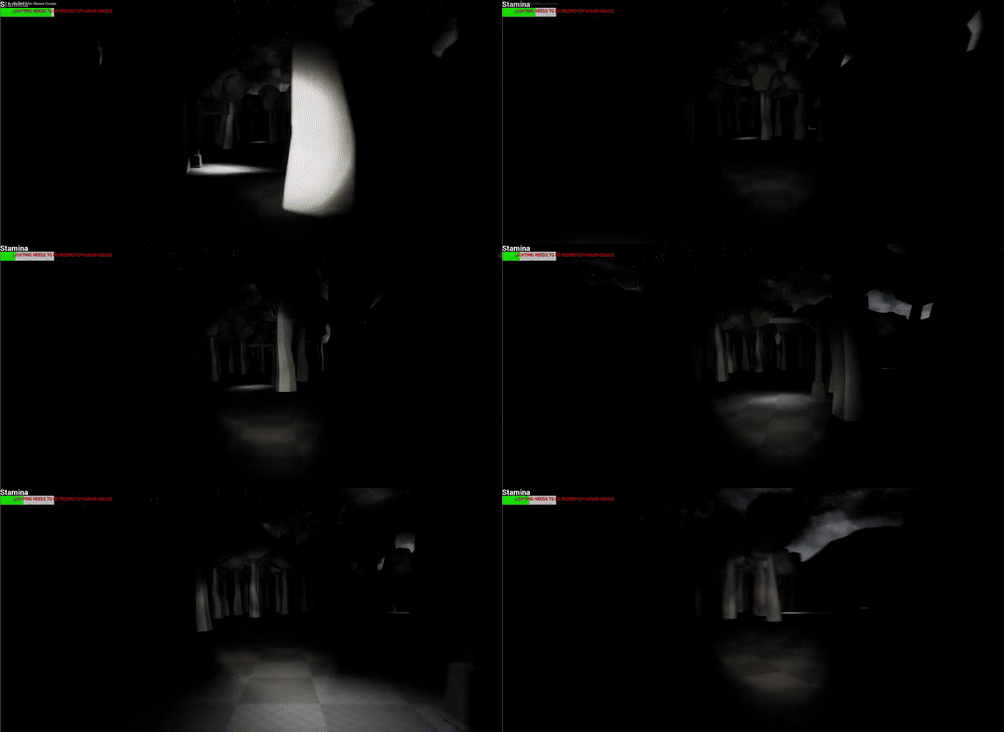
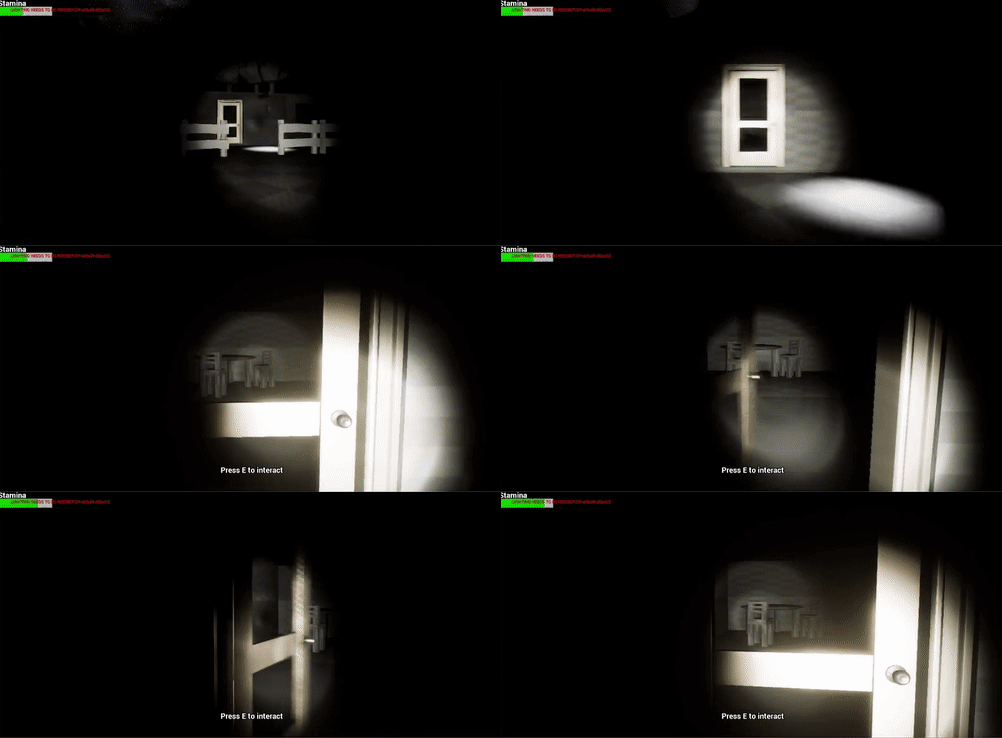
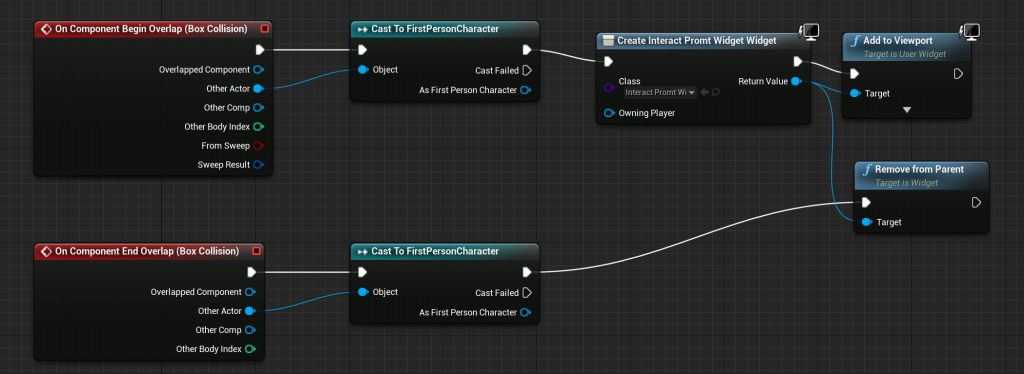
After i was happy with these and made sure they worked right, I then moved onto adding in the interaction prompt and the interaction input too.

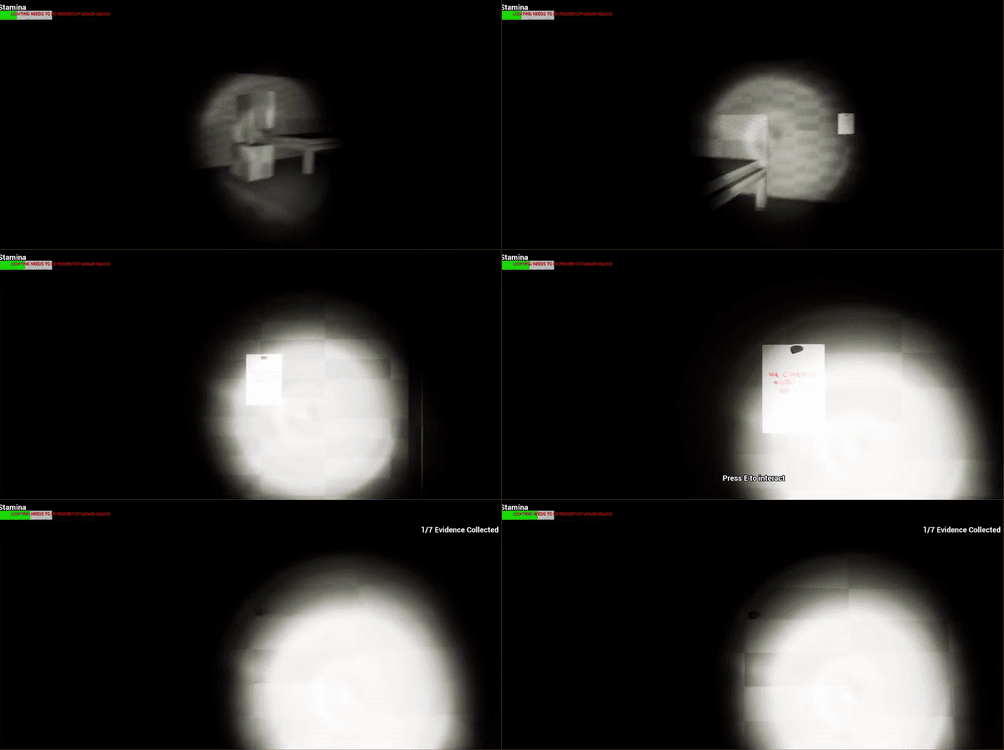
Since i wanted to use the door prompt for collecting items in the level i then created the collectable BP. Again i used the interaction button E. This also included input for collectable counter HUD.
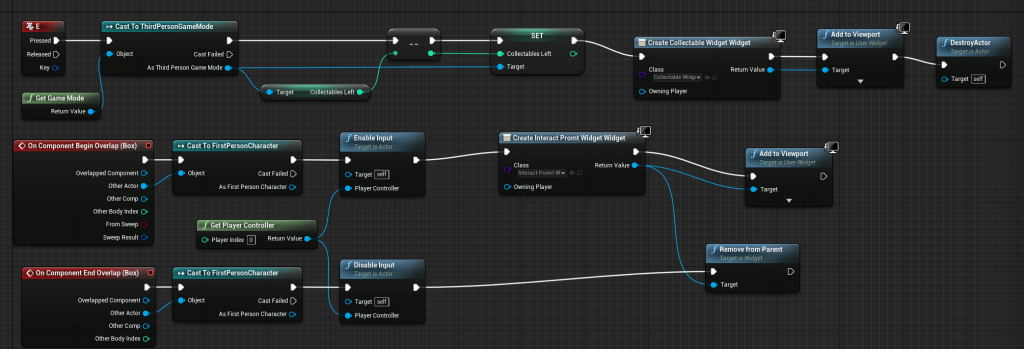
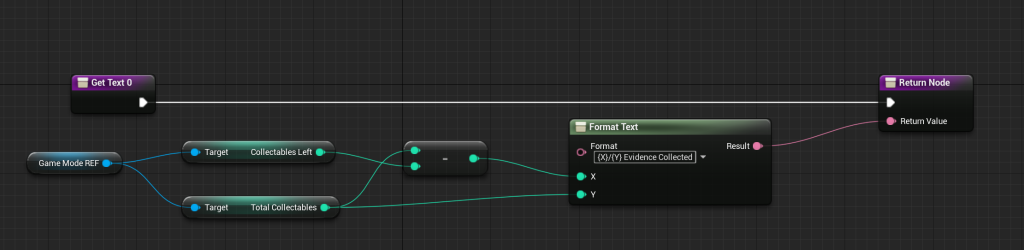

This allows the player to know how many notes/evidence they have collected and how many they have left to get.
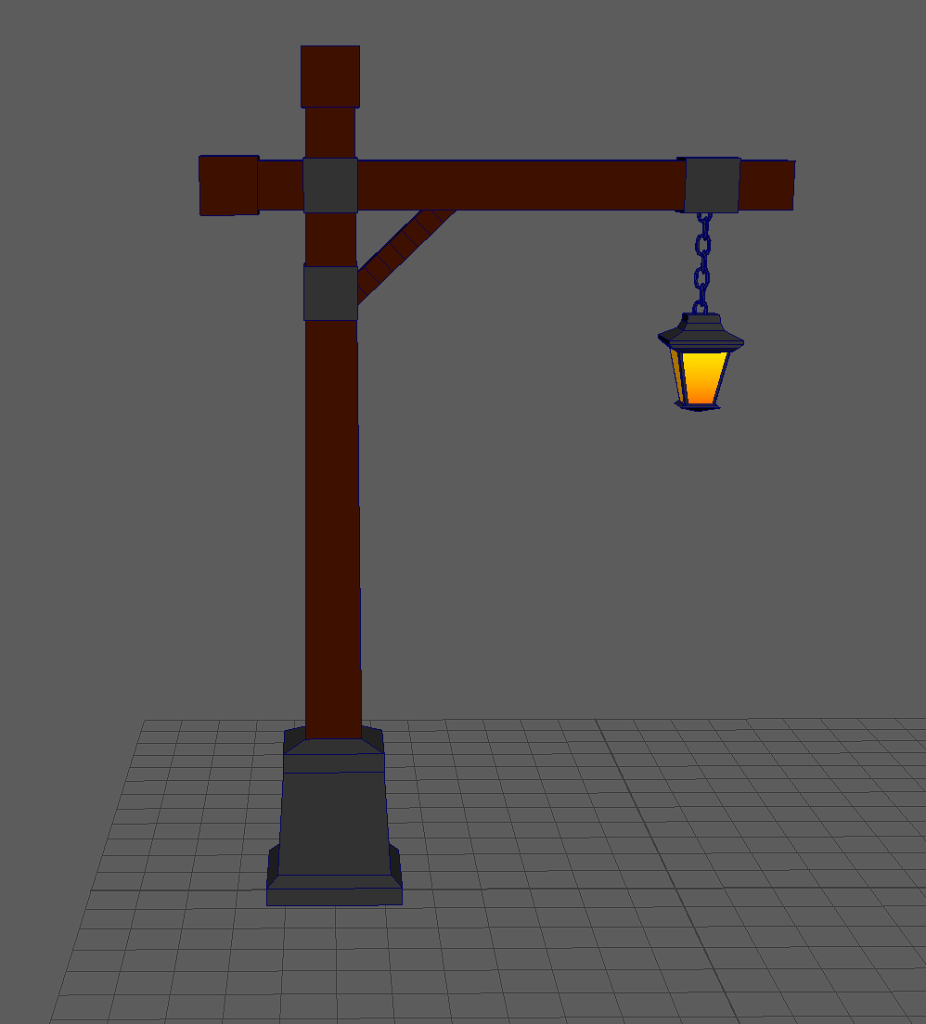
I then modelled a light for the level to act as the stepping stones for the player. I designed the light this way as I feel like it suites the environment well instead of something like a street light which would look out of place.


The gif above shows one of the changes I made to the level, before I was going to make it so the player has to use a car to escape but I decided to change the story which meant using the car wasn’t needed. Instead the player has to go around the level collecting notes/evidence and also finding a code and a key which will allow them to escape the place they are being held hostage. I also made the level dark since its set at ‘night time’.
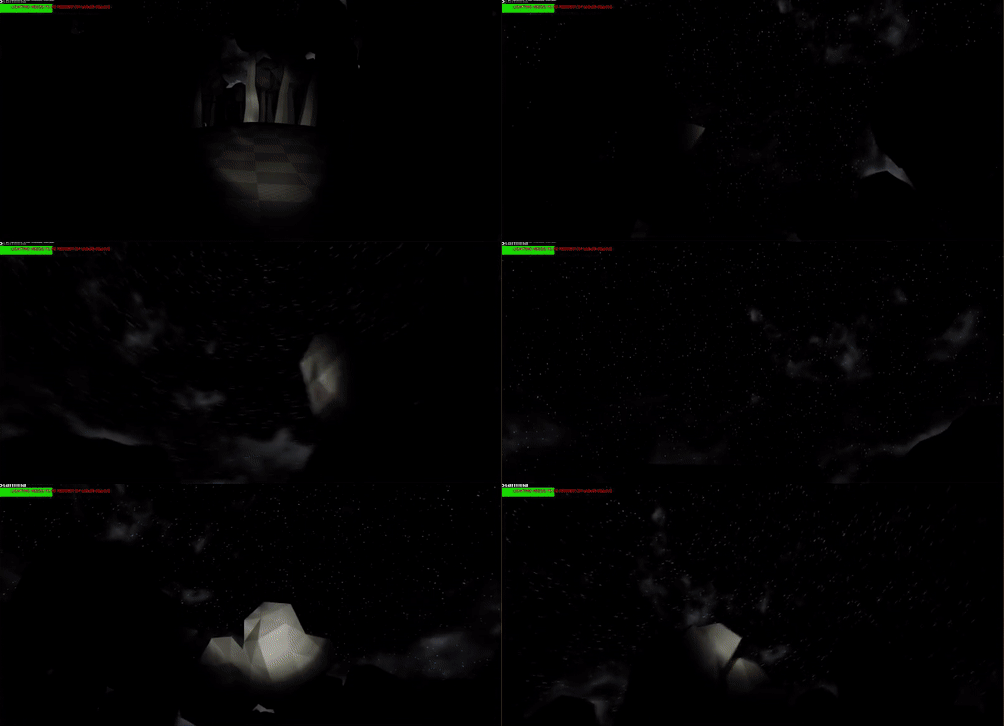

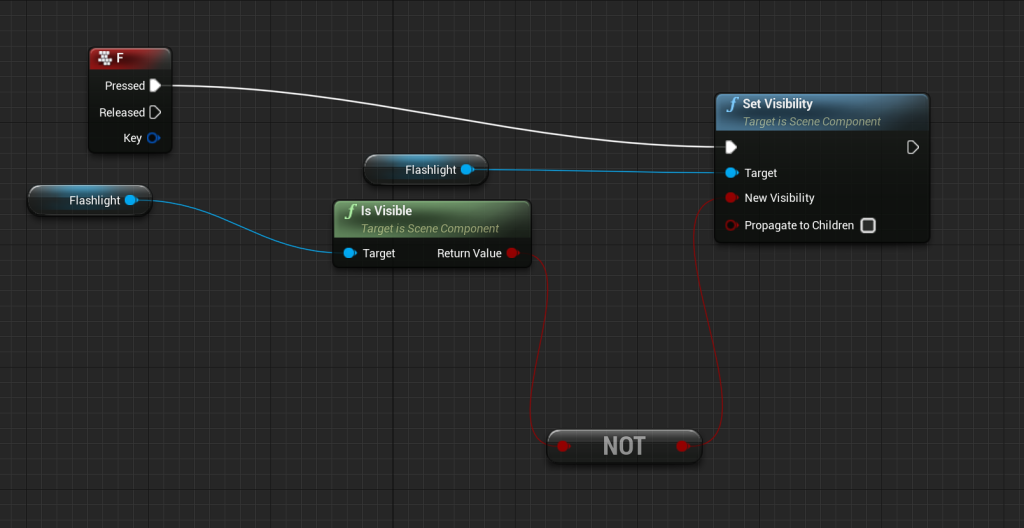
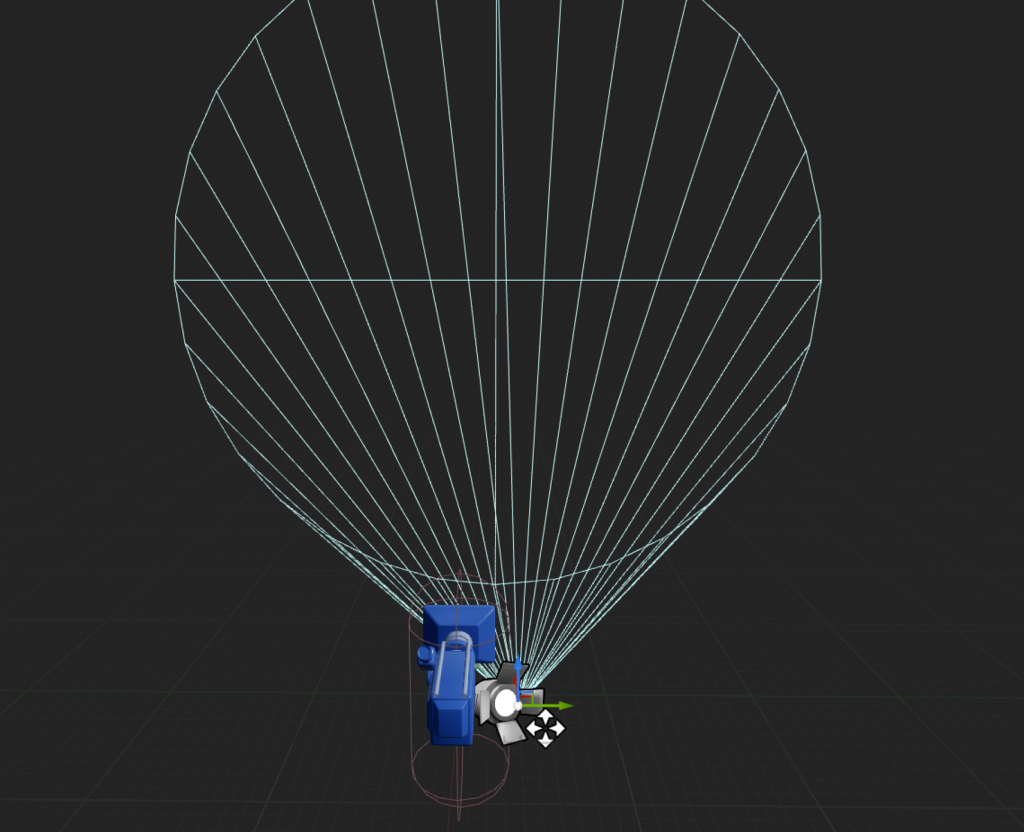
In between the last few parts I added in a flashlight too which allows people to see things in the level and adds to it since its set at night in a forest. It also allows players to turn it off and on by pressing F. I’m thinking of making this into a battery system so that the player has to be weary of the battery they have left instead of being able to walk around with the flash light on infinitely, however if I do this it will be done at the end when the main blueprints I need to do are finished etc.
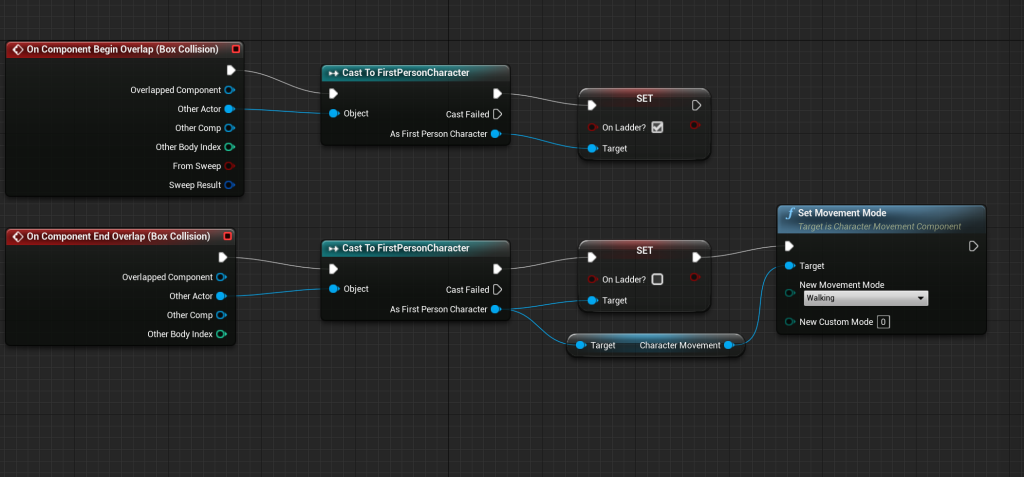
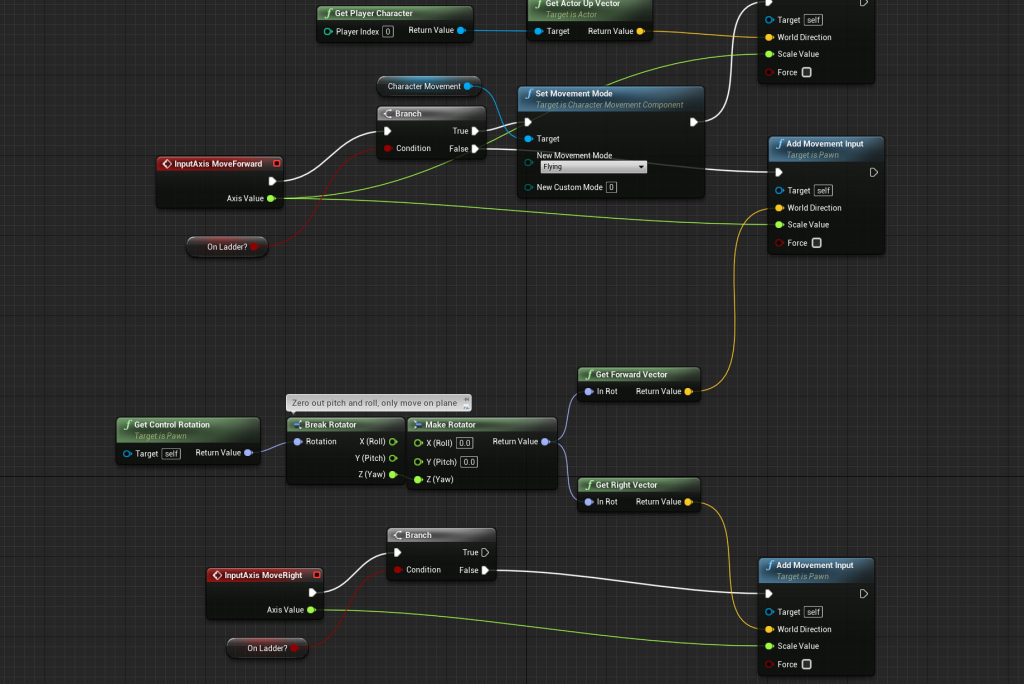
Here are the BPs for the ladder movement so that the player can climb up and down and cant fall off to the side either.
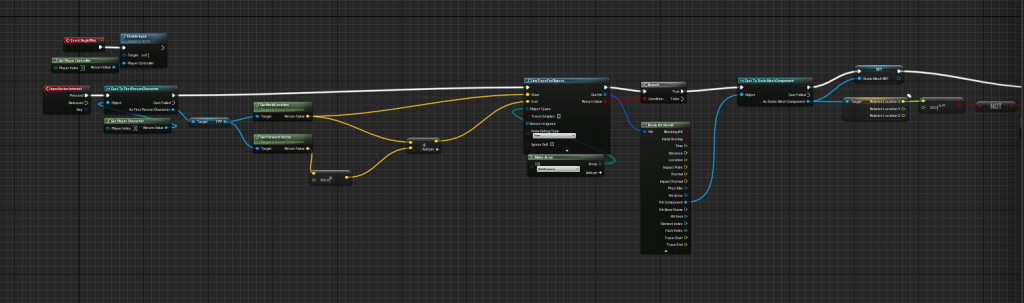
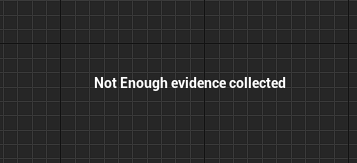
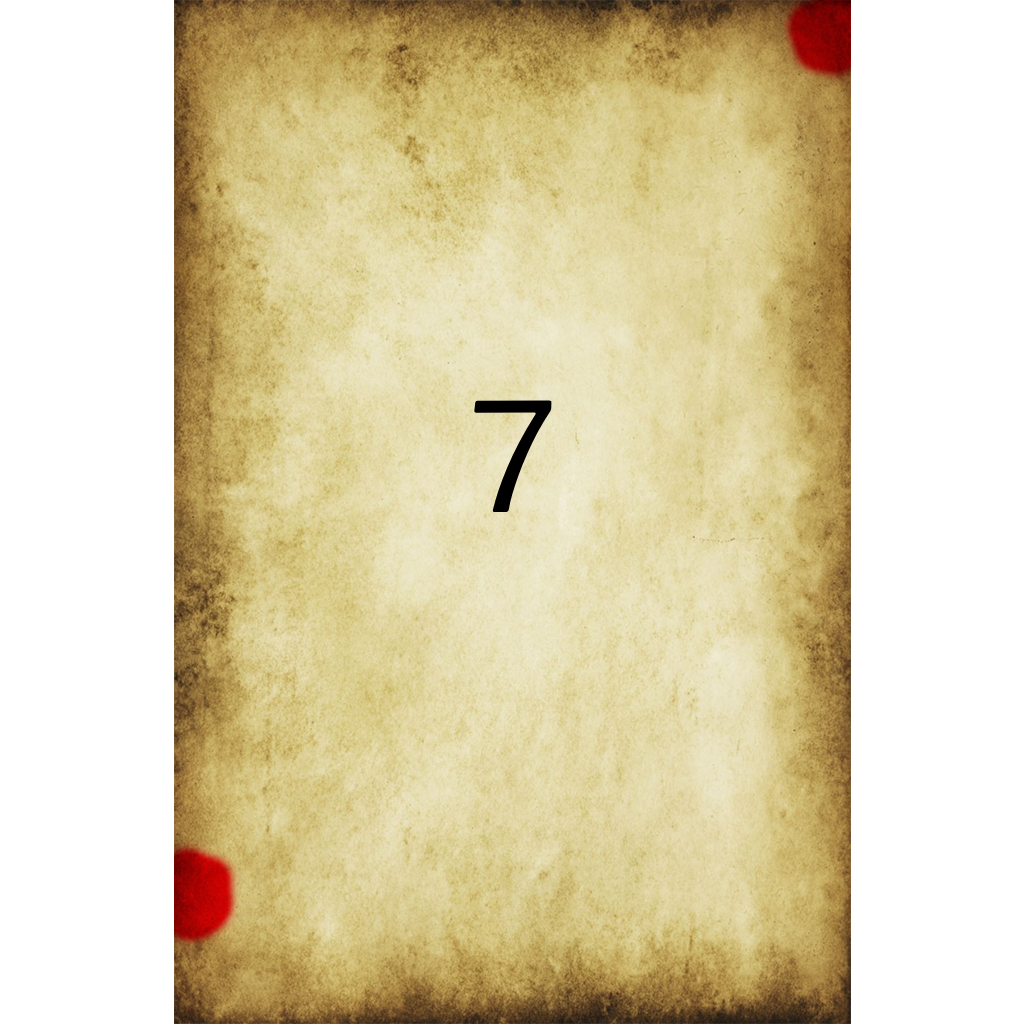
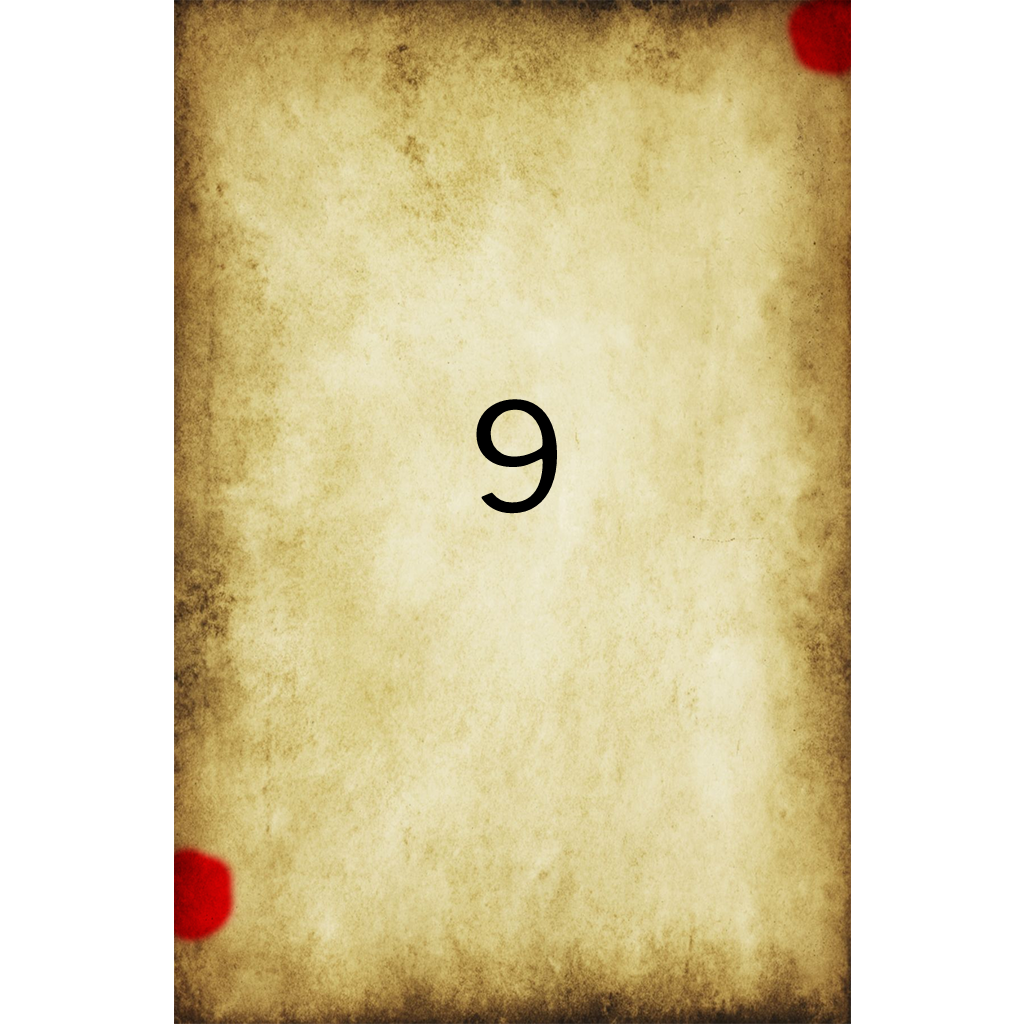
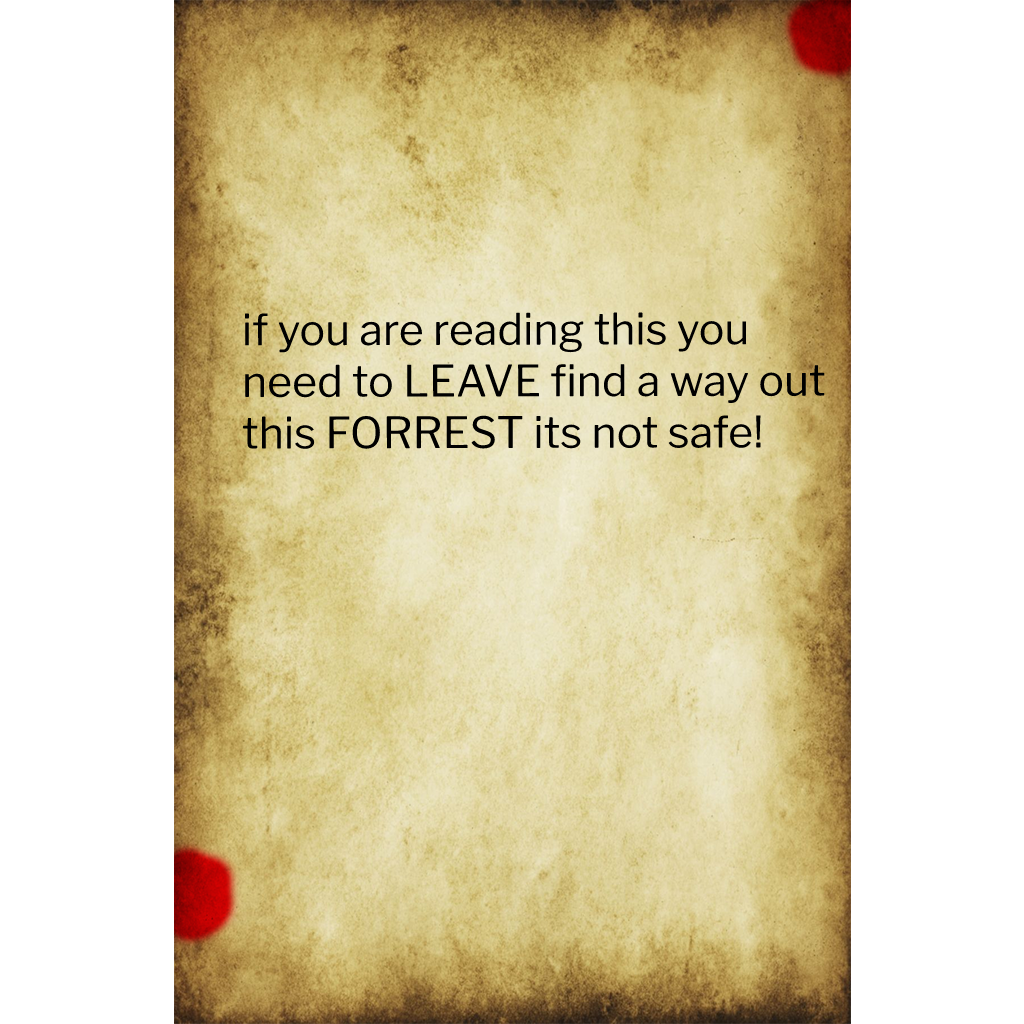
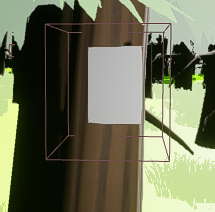
After this i then made a change to my level again, i decided to make it so the player has to find all the evidence before they can try the exit door to escape the forest. This then encourages the player to try and find the evidence scattered around the level. Then there’s the code notes, 3 have one number on which make up a 4 digit pin for a door which gives the player access to the final piece of evidence which will then allow them to escape. The note material is the one from the canvas tutorial.

To add to the intensity of this and based on feedback given i have added a enemy into the game, when he catches you the level restarts and you have to start again. This then gives the sprint mechanic a purpose instead of it just being there and that’s it. there was lots of trial and error with the AI enemy as it would sometimes stop chasing after a certain amount of time/wouldn’t chase for long enough.
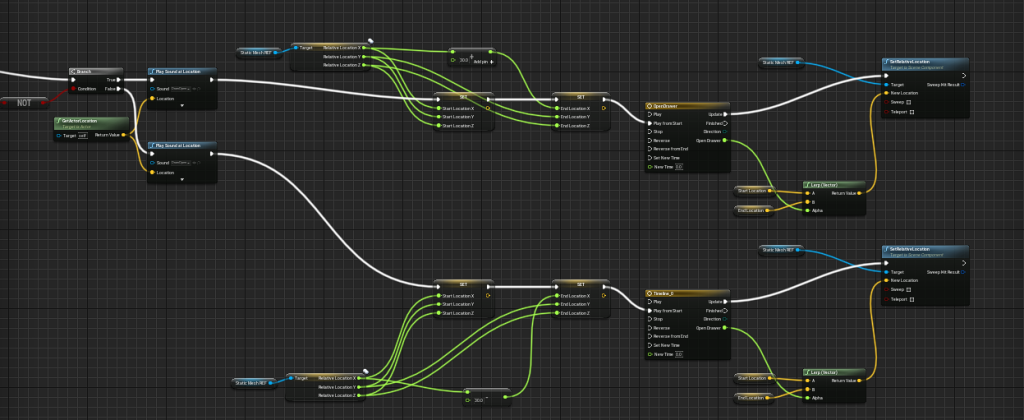
once that was fixed i then added sound to the enemy so once he spots you intense music will start playing so the player knows they have been seen and need to run. This wasn’t too difficult to do after looking at forums etc online. I continued adding sound for the doors, drawers, walking, ambience, collecting notes, objectives ands that’s all i did as other things like the ladder i couldn’t get to work properly and felt it was best to leave it out. (shown in images above and below)
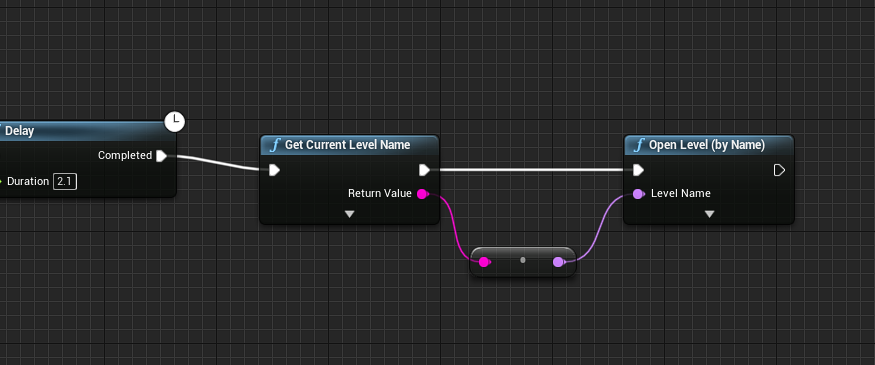
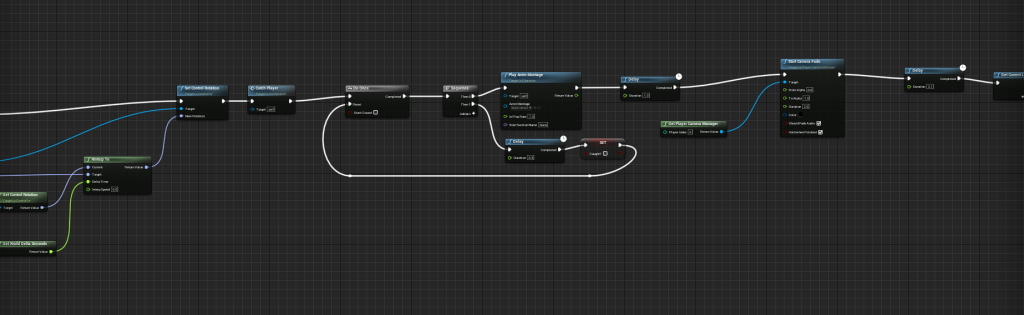
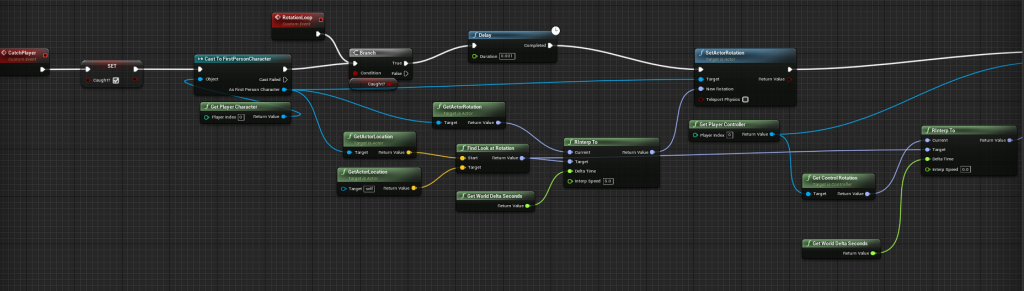
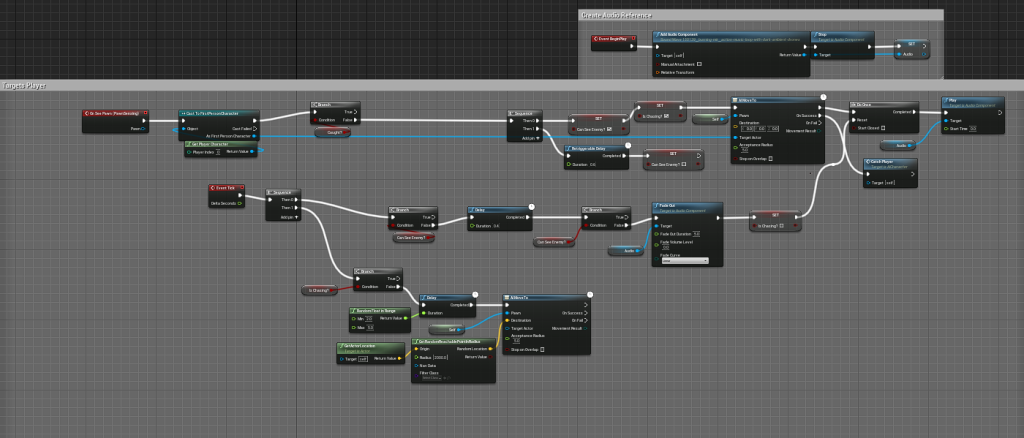
The top row shows the process of the restart (allows for third and first person also has the option of a animation) the bottom picture shows the BP for the AI. Its all about if the AI can see the players character in the radius set for him, if he can the sound plays and he will run to the players location, once out of site he will start free roaming the area set by NavMeshBounds.
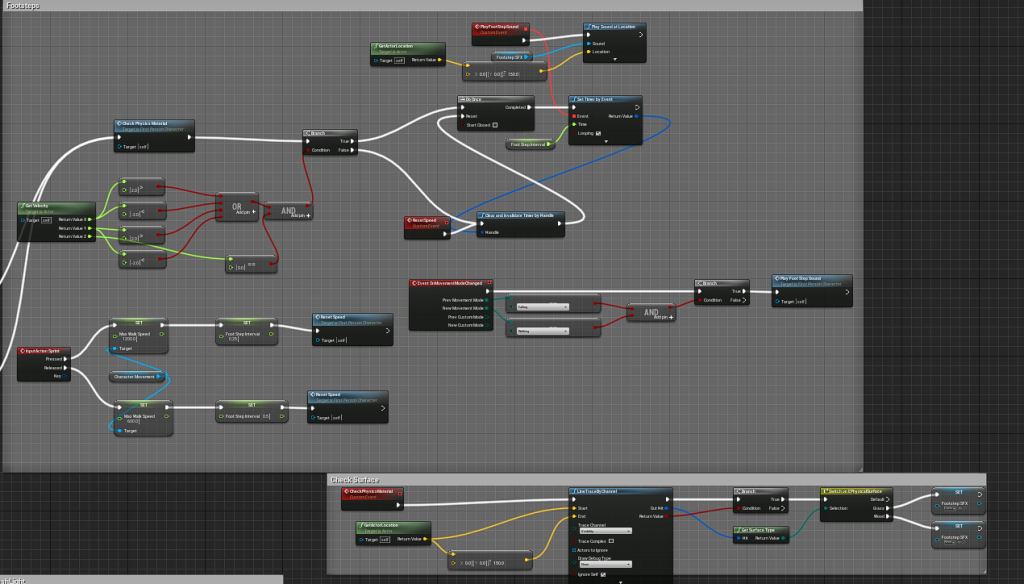
Footstep sounds BP 
This BP allowed me to walk across different surfaces switching the sound once the line trace read what surface i was standing on this was done by assigning the physical surface to the material so woodPM was assigned to the wood material of the house.
I chose to do it like this after finding a tutorial that fitted what i needed, as having only one set of footsteps didn’t work due to the different surfaces. I also saw something similar to this on canvas.
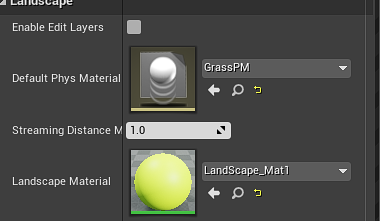
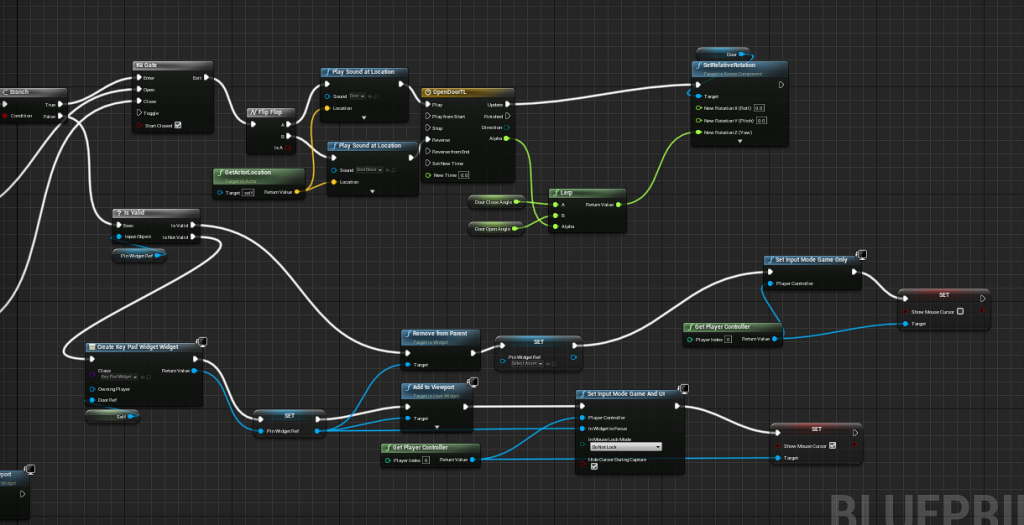
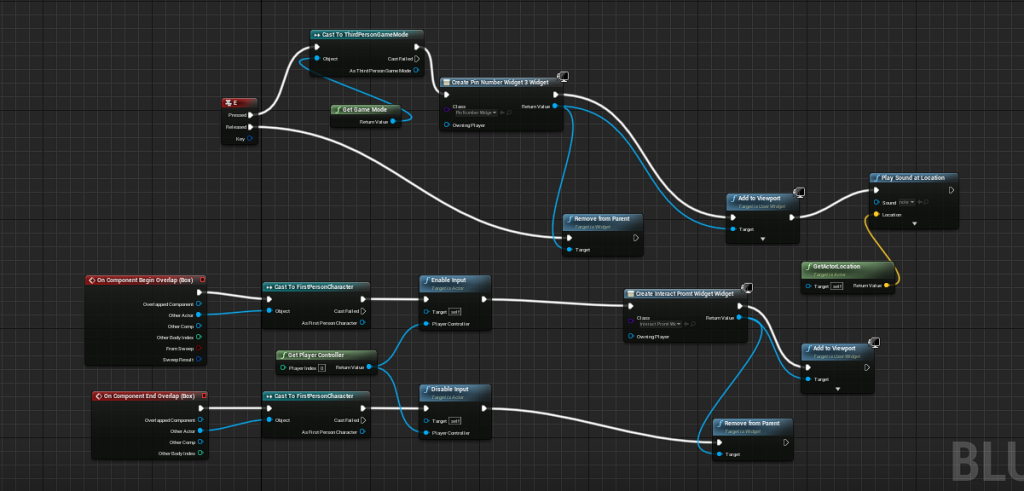
After all the needed blueprints were done i then started to take out the blockout assets and put the ones i was gonna use for the level in. Since we could for this project i took advantage of the unreal market place getting the foliage, and other assets needed for the level. Some assets i made as shown above. I then added materials to them as the style of the ones available from the marketplace fitted my game well. I then added a custom landscape material to the level base to make it green before painting on dirt roads/markings and adding in grass, rocks, trees. I made sure i referred back to my previous designs and the references i used while designing the blockout.
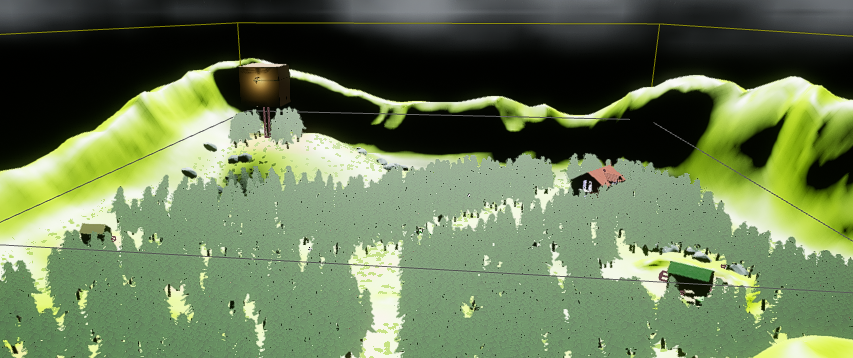
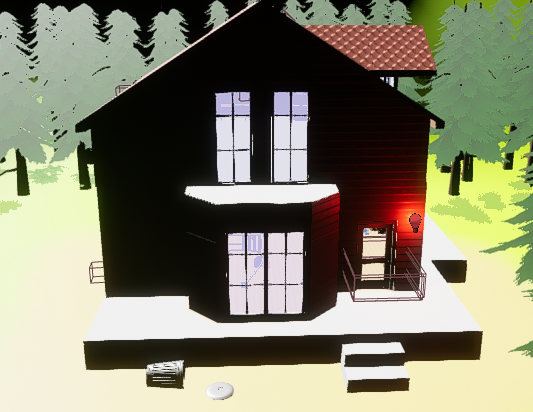
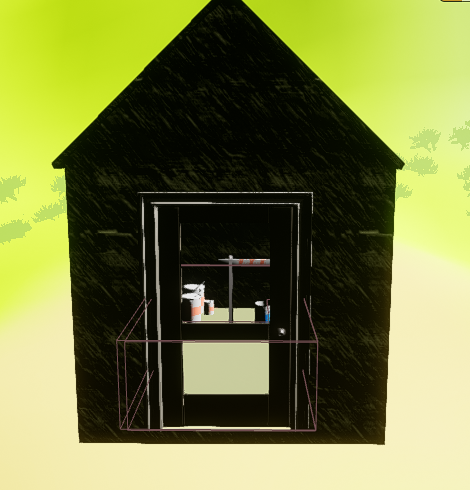
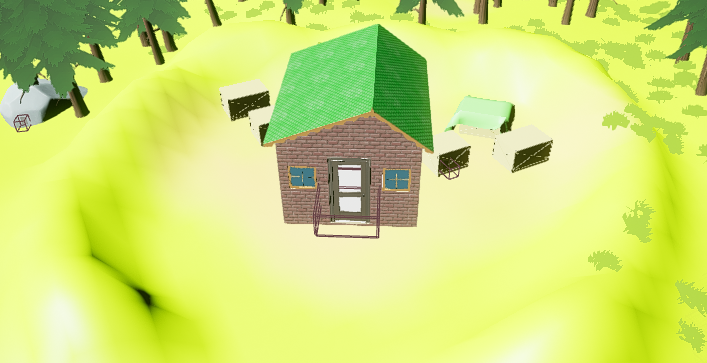
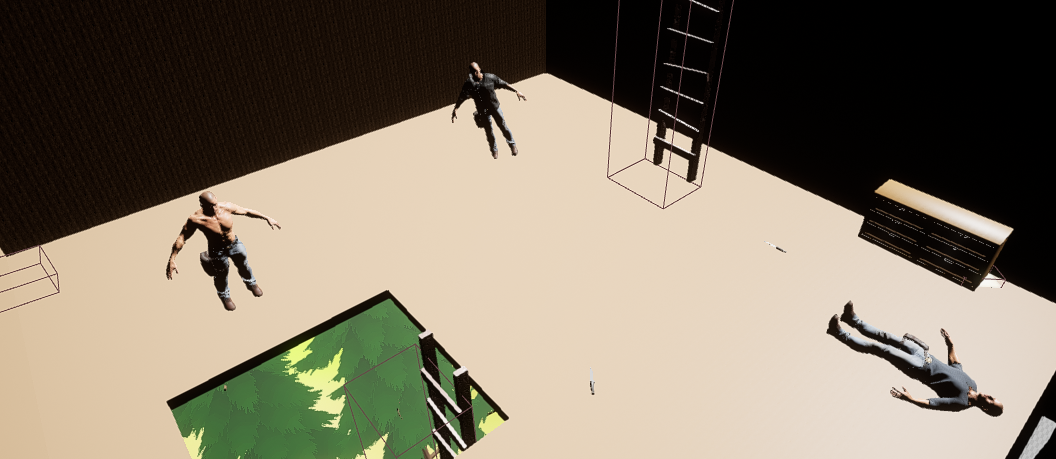
Above are all the different locations the player can go. Even though they aren’t to big they all play a part in the players escape so its vital they search them. I also added in some mannequins into the treehouse with some knifes to make the player wonder what happened to them, did they kill each other? did the killer get them? who knows.
For feedback i was told roughly the same/similar things like in the feedback video for the blockout. I needed to add more verticality, which feel like i have no with adding more bumps etc to the landscape adding a second floor ad roof access to the house, i also added a second floor to the treehouse but decided to block it off as i had nothing to put up there. I also as mentioned before added a enemy as the sprint option etc was deemed useless otherwise as you could stroll around without worrying.
I made sure to keep checking my references from the blockout video, for example Dan taylors ten principles for good level design. Another is a new one i read Worch, M. & Smith, H. (2010) “What Happened Here?” Environmental Storytelling, in this they use an example of 2 gold fish stuck to a window and slowly reveal more and more to show the chain of events which led to the gold fish being stuck. I tried implementing this in a smaller way. First the player finds the house in a mess, then the note telling them to escape which has blood on it then finally the bodies in the treehouse. You could also work this backwards if the player decided to go to the treehouse first but either way it works to how i wanted. Another is one i mentioned before in the blockout is GDC (2009) Everything I Learned About Level Design I Learned from Disneyland, Scott Rogers, in my final design i tried to stick to the disney weenie layout so the player can see all the locations from the centre of the map especially the tree house since it has the bodies inside and some other things the player needs to find.
Overall i feel like this level design went quite well, there are areas to improve on and hopefully overtime i will get better with BPs and just the software as a whole. i struggled with certain things at first but using forums, YouTube tutorials, and reddit posts i was able to find the help i needed and managed to make the level how i wanted.
References:
Unreal Market place, Adventure character [Model] Available Online: https://www.unrealengine.com/marketplace/en-US/product/adventure-character
Unreal Market place, LPGenericSets [Models] Available Online: https://www.unrealengine.com/marketplace/en-US/product/lpgenericpropsset02 , https://www.unrealengine.com/marketplace/en-US/product/lpgenericpropsset04 , https://www.unrealengine.com/marketplace/en-US/product/lpgenericpropsset06 , https://www.unrealengine.com/marketplace/en-US/product/lpgenericpropsset08
Unreal Market Place, Interactive stylized Lowpoly [models] Available Online: https://www.unrealengine.com/marketplace/en-US/product/dynamic-stylized-lowpoly-gras
FreeSound.com Ambience Spooky forest, [sound] Available Online:https://freesound.org/people/marchon11/sounds/493720/
FreeSound.com Grass step, [sound] Available Online:https://freesound.org/people/Snoman/sounds/9904/
FreeSound.com Heavy wood footstep3, [sound], Available Online: https://freesound.org/people/RonaldVanWonderen/sounds/110100/
FreeSound.com Heavy wood footstep2, [sound], Available Online: https://freesound.org/people/RonaldVanWonderen/sounds/110101/
FreeSound.com Sharpie, [sound], Available Online: https://freesound.org/people/elliott.klein/sounds/321137/
FreeSound.com Pickup note, [sound], Available Online: https://freesound.org/people/scholzi982/sounds/566188/
FreeSound.com Wood Step, [sound], Available Online: https://freesound.org/people/sofi.om/sounds/428471/
FreeSound.com Drawer, [sound], Available Online: https://freesound.org/people/marcusgar/sounds/360949/